:c\a^h]
29
Special Audio CD feature
This is a time search option for audio CD
playback. Playback skips to the time you
input, within the disc or track.
A During playback, press DISPLAY
repeatedly to toggle between different
input options.
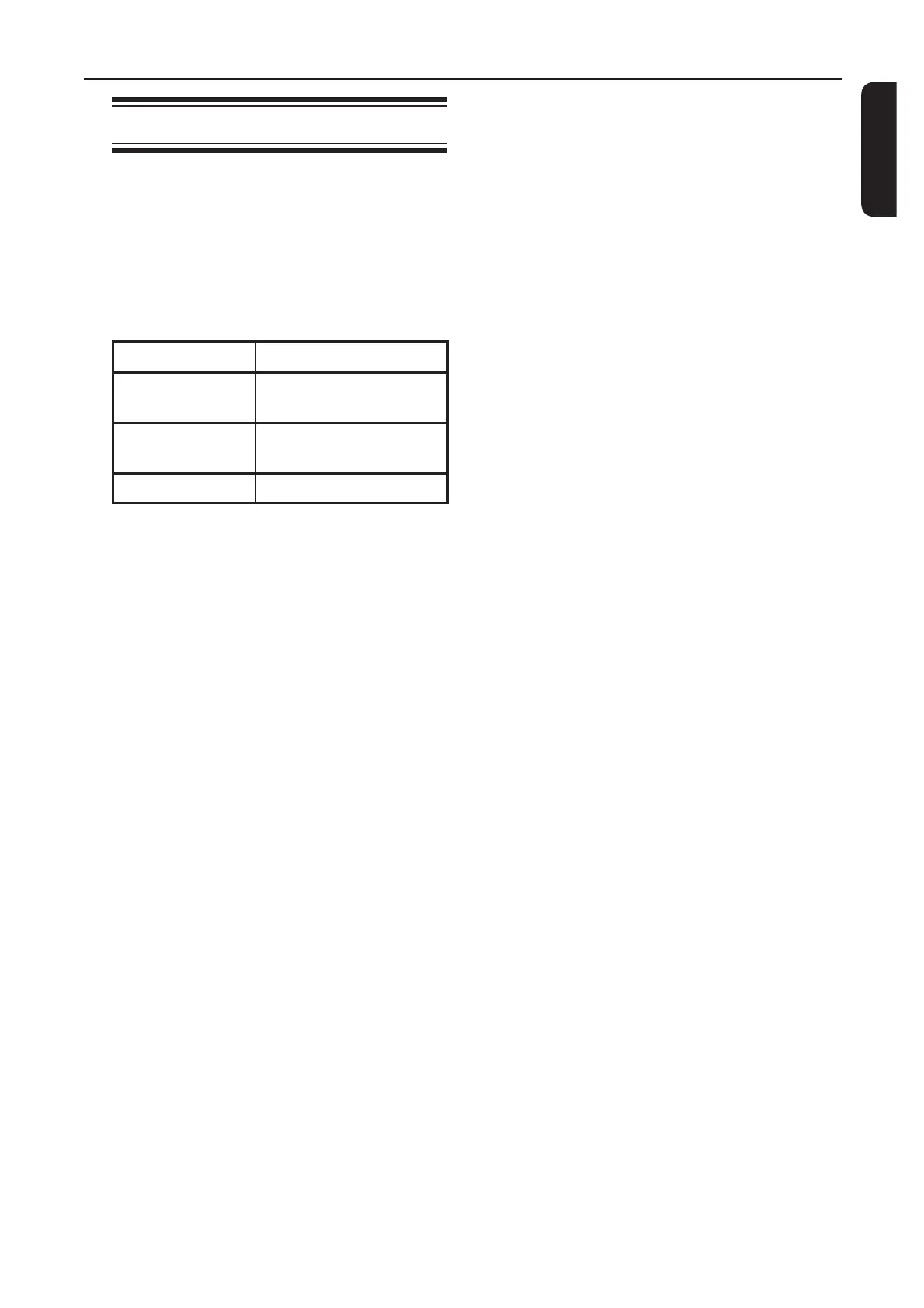
Display Descriptions
Disc Go To Time search within the
disc.
Track Go To Time search within a
track.
Select Track Select a track number.
B Use the numeric keypad 0-9 to enter
the time where playback should start
(minutes:seconds).
Playback skips to the selected time.
Disc Operations (continued)


 To Next Page