:c\a^h]
43
Video Setup Page (underlined options are the factory default settings)
Setup Menu Options (continued)
This unit provides three predened sets of picture color settings
and one personal setting which you can dene yourself.
{ Standard } – Original color setting.
{ Vivid } – Vibrant color setting.
{ Cool } – Soft color setting.
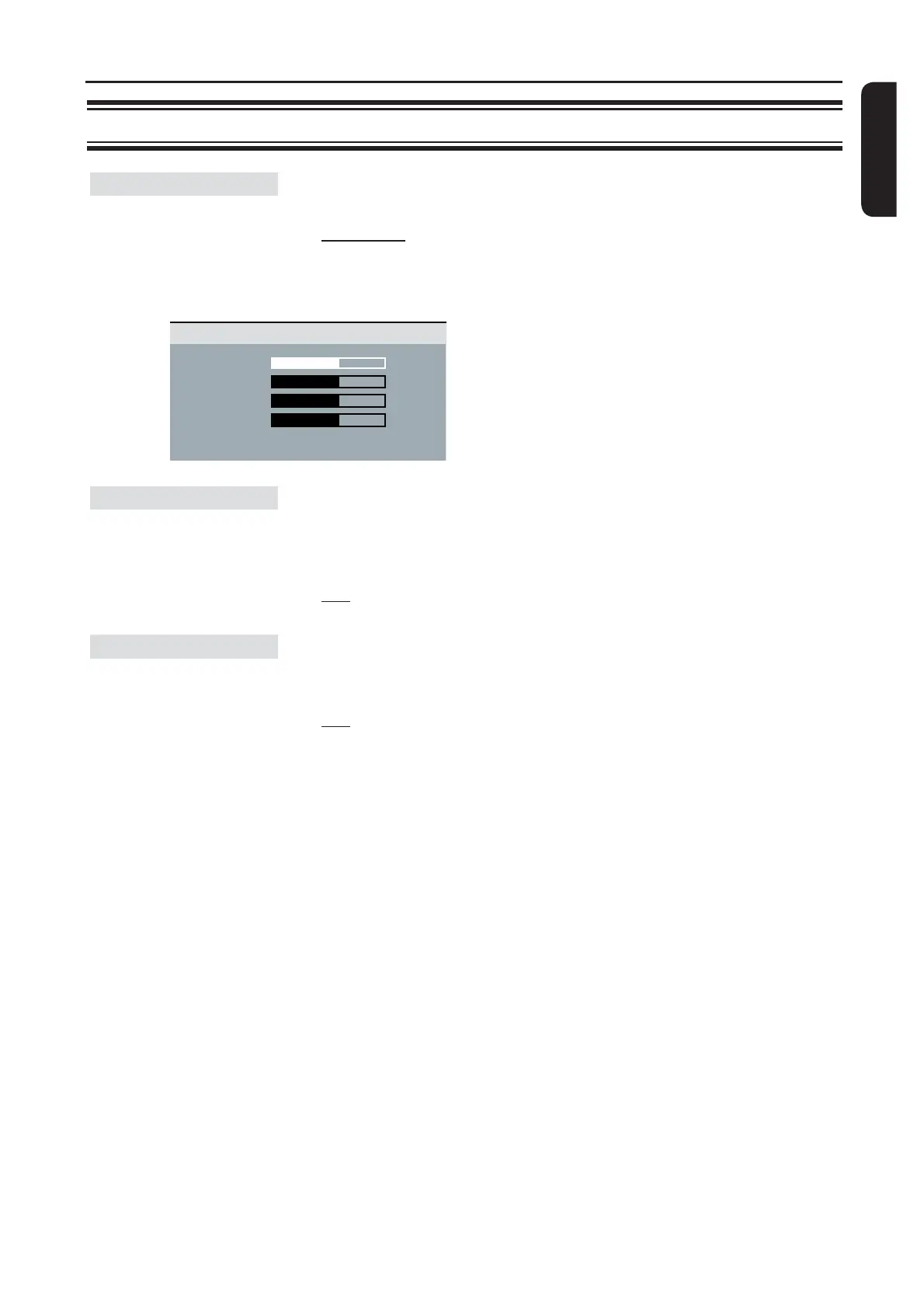
{ Personal } – Select this to personalize the picture
color setting. Use the keys to
adjust to the setting that best suits your
personal preference and press OK to
conrm. For an average setting, select
{ 0 }.
This feature is only available if the disc contains of special video
signal data. It shows sound effects on the screen if your TV
supports this feature, such as ‘phone ringing’ and ‘footsteps.’
{ On } – Turn on closed caption feature.
{ Off } – Turn off closed caption feature.
HD JPEG allows you to enjoy untouched and uncompressed
pictures at it’s original resolution. This feature is only applicable if
you have connected this unit to a HDMI-compatible TV/device.
{ On } – Display high denition picture.
{ Off } – Display standard picture.
Note: This feature is only available for JPEG picture disc. This
unit supports the display resolution of 720p and above.
Picture Setting
Closed Caption
HD JPEG
Brightness 0
Contrast 0
Sharpness 0
Color 0
Personal Picture Setup


 To Next Page