6
2. Setting up the monitor
2
1
3
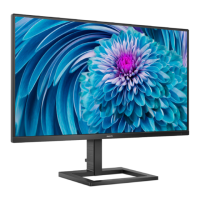
245E1
1. Place the monitor face down on soft
and smooth surface taking care to
avoid scratching or damaging the
screen.
2. (1) Hold the base stand with both
hands and firmly insert the base
stand into the base column.
(2) Use a screwdriver to tighten the
screw located at the bottom of
the base, and secure the base to
the column tightly.
1
2
Connecting to your PC
245E1S
/
245E1
AC/DC power input
HDMI input
Display port input
VGA input
Audio out
6
Kensington anti-theft lock
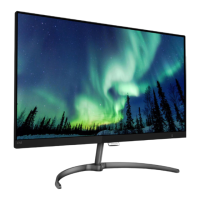
241E1S
AC/DC power input
HDMI input
VGA input
HDMI audio out
Kensington anti-theft lock







 To Next Page