FEATURES
15
Selecting a track during playback
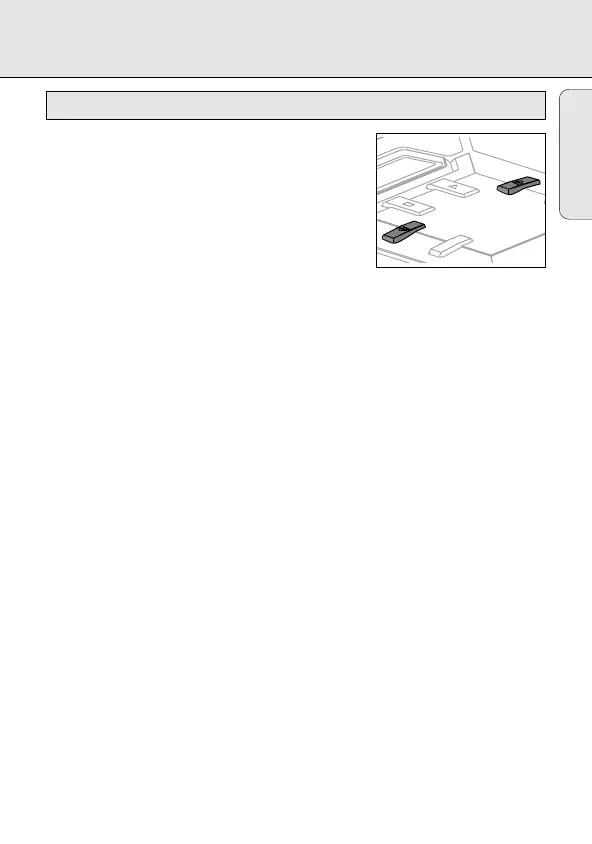
• Briefly press 5or 6 once or several times to skip
to the current, previous or subsequent track start.
y Playback continues with the selected track and
its number is displayed.
Selecting a track when playback is stopped
1 Briefly press 5or 6 once or several times.
y The selected track number is displayed.
2 Press 2 to start CD play.
y Playback starts with the selected track.
Searching for a passage during playback
1 Keep 5or 6depressed to find a particular passage in a backward or forward
direction.
y Searching is started and playback continues at a low volume. After 2 seconds
the search speeds up.
2 Release the button when you reach the desired passage.
y Normal playback continues from this very position.
Notes: – During SCAN, searching is not possible.
– During SHUFFLE, SHUFFLE REPEAT ALL, REPEAT or while playing a program
searching is possible only within the particular track.
– Searching is not possible while playing MP3 tracks.
MODE
Selecting a track and searching
English
EXP101/17 eng 28/11/00 8:56 Page 15








 To Next Page