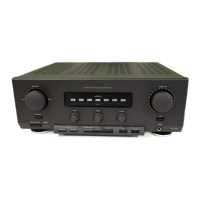
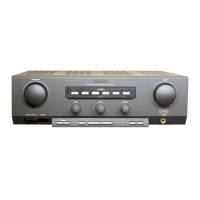
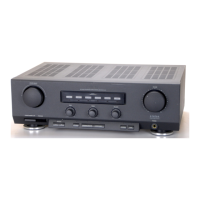
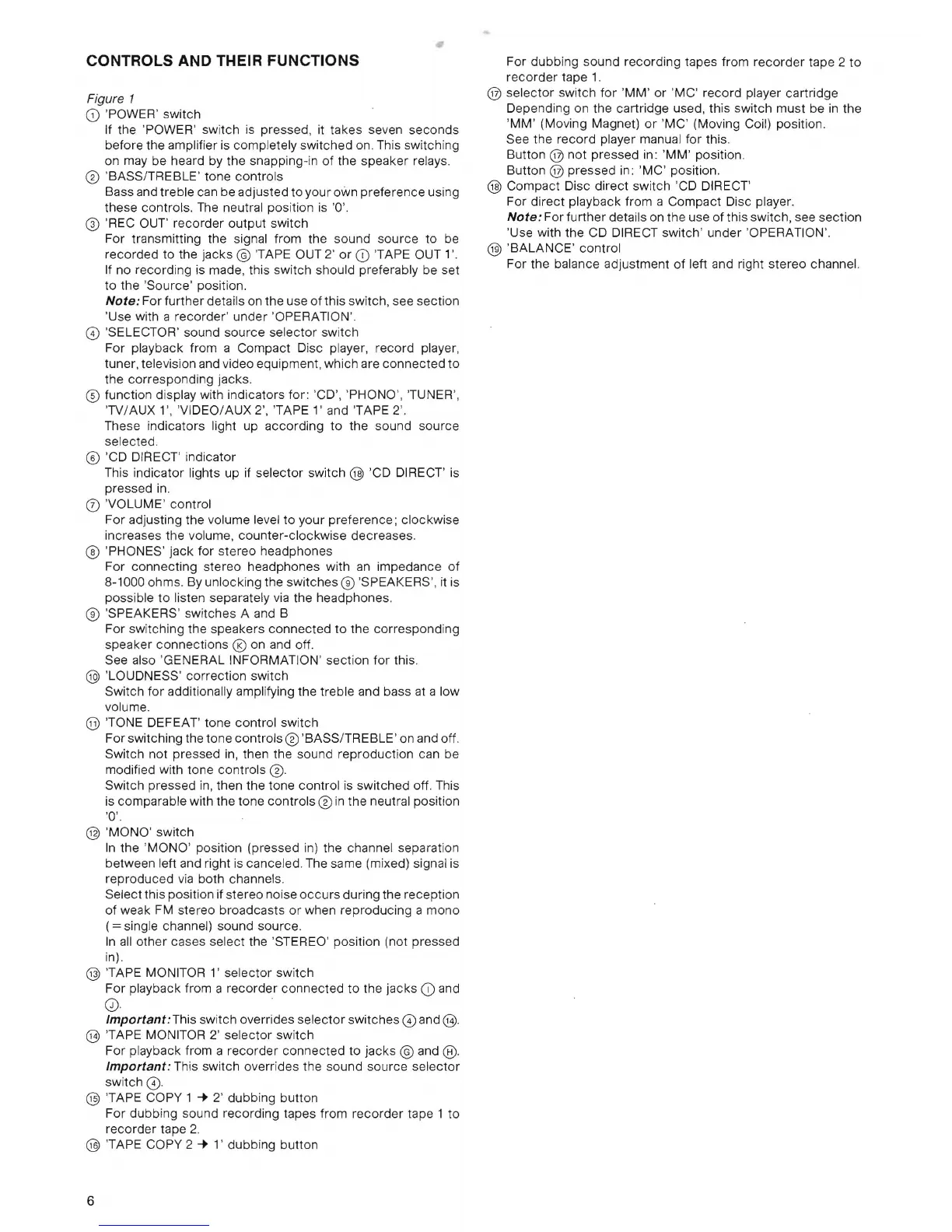
CONTROLS AND THEIR FUNCTIONS
Figure 1
CD
'POWER' switch
If the 'POWER' swi
tch
is
pressed, it takes seven seconds
before the amplifier is completely switched on. This switching
on may be heard by the snapping-in of the speaker relays.
® 'BASS/TREBLE' tone controls
Bass and treble can be adjusted
to
your own preference using
these controls. The neutral position
is
'0'.
@ 'REC OUT' recorder output switch
For transmitting the signal from the sound source to be
recorded to the jacks
©
TAPE
OUT 2'
or
CD
'TAPE OUT 1'.
If
no recording is made, this switch should preferably be set
to the '
Source'
position.
Note: For further details on the use
of
this switch, see section
'Use with a recorder' under 'OPERATION'.
CD
'SELECTOR' sound
source
selector switch
For playback from a Compact Disc player, record player,
tuner, television and video equipment, which are
connected
to
the corresponding jacks.
@)
function display with indicators
for
: 'CD', 'PHONO', TUNER',
'
TV
/AUX 1', 'VIDEO/AUX 2', 'TAPE
l'
and
TAPE
2'.
These indicators light up according
to
the sound source
selected.
@)
'
CD
DIRECT' indicator
This indicator lights up if selector switch
@ 'CD DIRECT' is
pressed
in.
CD
'VOLUME' control
For adjusting the volume level
to
your preference; clockwise
in
creases the volume, counter-clockwise decreases.
® 'PHONES' jack for stereo headphones
For connecting stereo headphones with an impedance
of
8-1000 ohms. By unlocking the switches ® 'SPEAKERS', it is
possible
to
listen separately
via
the headphones.
® 'SPEAKERS' switches A and B
For switching the speakers
connected
to
the corresponding
speaker connections
® on and off.
See also 'GENERAL INFORMATION' section
for
this.
@ 'LOUDNESS' correction switch
Switch
for
additionally amplifying the treble and bass
at
a low
volume.
@
TONE
DEFEAT' tone control switch
For switching the tone controls
0 'BASS/TREBLE' on and off.
Switch not pressed
in,
then the sound reproduction can be
modified with tone controls
0.
Switch pressed
in
, then the tone control is switched off. This
is comparable with the tone controls
0
in
the neutral position
'0'.
@ 'MONO' switch
In
the 'MONO' position (pressed in) the channel separation
between left and right is canceled. The same (mixed) signal is
reproduced
via
both channels.
Select this position if stereo noise
occurs
during the reception
of
weak
FM
stereo broadcasts
or
when reproducing a
mono
(=
single channel) sound source.
In
all
other cases select the 'STEREO' position (not pressed
in).
@ 'TAPE MONITOR
l'
selector switch
For playback from a recorder connected
to
the jacks
CD
and
0).
Important: This switch overrides selector switches
CD
and
@.
@ 'TAPE MONITOR 2' selector switch
For playback from a recorder connected to jacks
© and @.
Important: This switch overrides the sound source selector
switch
0 .
@ 'TAPE COPY 1
....
2' dubbing button
For dubbing sound recording tapes from
recorder
tape 1
to
recorder tape 2.
@ 'TAPE
COpy
2
....
l ' dubbing button
For dubbing sound recording tapes from
recorder
tape 2
to
recorder
tape 1.
@ selector switch
for
'MM' or 'MC' record player cartridge
Depending on the cartridge used, this switch must be
in
the
'MM ' (Moving Magnet)
or
'
MC'
(Moving Coil) position.
See the record player manual for this.
Button
@
not
pressed in:
'MM'
position.
Button
@ pressed
in
: 'MC' position.
@ Compact Disc direct switch 'CD DIRECT'
For direct playback from a Compact Disc player.
Note:
For further details on the use of this switch, see section
'Use with the CD DIRECT switch' under 'OPERATION'.
@ 'BALANCE' control
For the balance adjustment
of
left and right stereo channel.
6


 To Next Page
 Loading...