8 EN
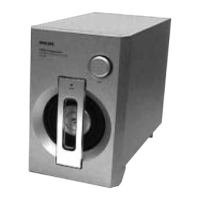
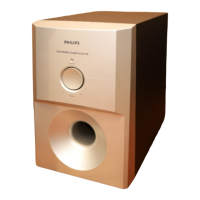
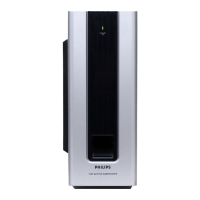
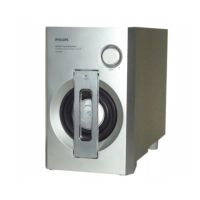
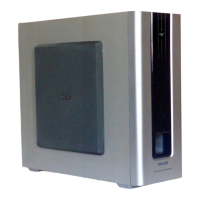
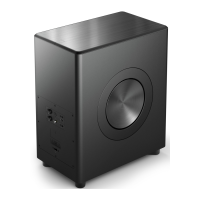
Subwoofer
This section includes an overview of the
wireless subwoofer.
25Hz
9
8
7
10
1 2 3
5
4
6
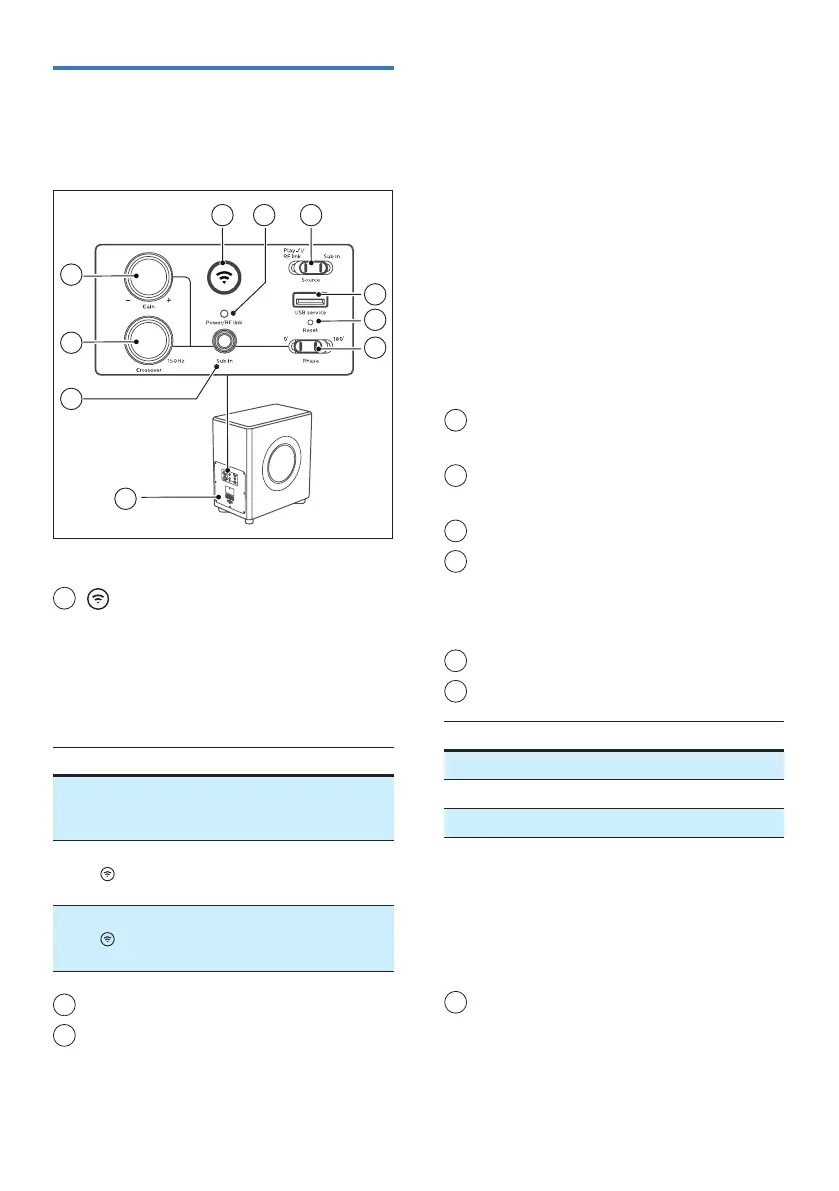
1
(Wi-Fi Setup) button / indicator
• Trigger Wi-Fi setup for Play-.
• Press and hold the button for 8
seconds to active the AP mode.
• Press and hold the button for 4
seconds to active the WPS mode.
Action LED State Status
Constant
on
Connected
/ Paired
successful
Press and
hold
8
seconds
Blink Wi-Fi Access
Point (AP)
mode
Press and
hold
4
seconds
Double
blink
Wi-Fi Protected
Setup (WPS)
mode
2
Power/RF link indicator
3
Source(switchPlay-/FRlink/Subin
mode)
• When FW1 is used as a wired
subwoofer, source switch must be
at Sub in position.
» All network audio functionality
will stop working.
» Wi-Fi is disconnected but Wi-Fi
credentials shall be retained if it is
setup previously.
» Play- module can be turned o.
• To upgrade rmware for Play-
module and MCU via USB service
port, MCU source switch must be
at Sub in position. Play- module
source switch must be at Play-
position.
4
USB service socket
The USB socket is for service only.
5
Reset button (Pin hole)
Reset device to default setting.
6
Phase 0° - 180° (switch)
7
Sub in (socket)
Use the subwoofer cable to connect
the subwoofer to other equipments
(not supplied).
8
Crossover 25Hz-150Hz (knob)
9
Gain +/- (knob)
Functional Settings Default
Gain -6 dB to +6 dB 0 dB
Crossover 25 to 150 Hz -
Phase 0 or 180 degree 0 degree
• When FW1 as Sub in subwoofer,
above controls and functions are
applicable (When FW1 as Play-
subwoofer or RF link mode, above
controls and functions are not
applicable).
10
AC in ~ socket
Connect to the power supply.


 To Next Page