19EN
Enjoy simultaneous play
You can output audio to multiple compatible
Hi-Fi systems (FWP1000) to enjoy simultaneous
play.
1 Connect audio cables (white/red) to:
• the AUDIO OUT (AUDIO L/R)
sockets on the back panel of this unit.
• the AUDIO IN (AUDIO L/R)
sockets on a compatible Hi-Fi system
(FWP1000).
2 Connect a signal cable (green) to:
• the AUDIO OUT (SIGNAL) socket
on the back panel of the unit.
• the AUDIO IN (SIGNAL) socket on a
compatible Hi-Fi system (FWP1000).
3 If you like, connect more compatible Hi-Fi
systems (FWP1000) together in the same
way.
4 Start play on this unit (FWP3200D).
» You can hear music from the
loudspeakers of all the Hi-Fi systems
connected to each other.
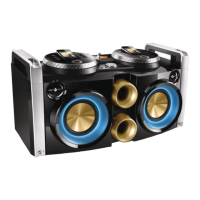
Adjust decoration light
• In power-on mode, press LIGHT
repeatedly to adjust the decoration light
around the loudspeakers.
• Blue (default, blinking blue with the
music beat)
• Red (blinking red with the music beat)
• Purple (blinking in different colors with
the music beat)
• Off
Tip
•
The light blinks as the music beat changes.



 To Next Page