a
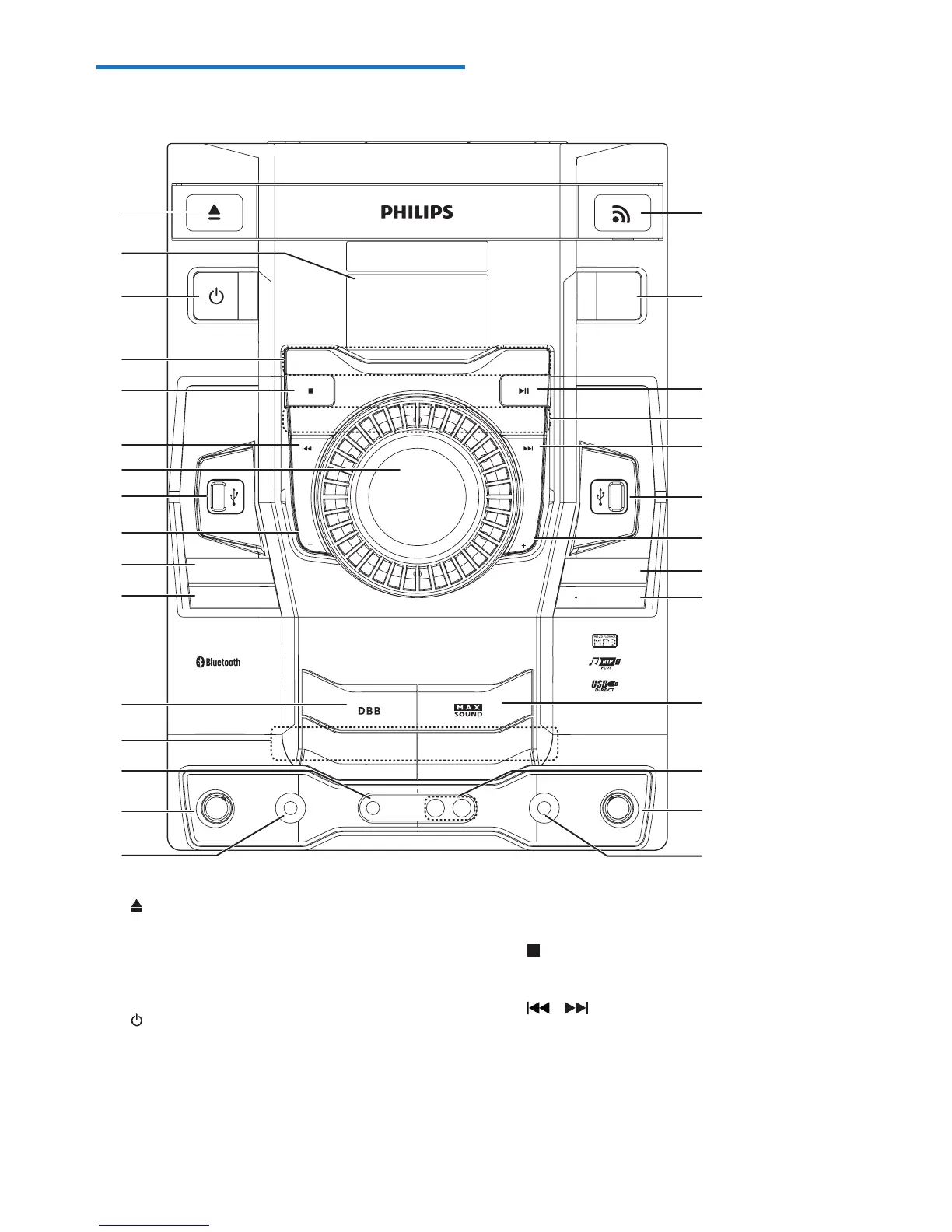
• Open or close the disc compartment.
b Display panel
• Show status.
c
• Turn on the unit or switch to standby
mode.
$/%80
35(6(7
$/%80
35(6(7
SAMBA
TECHNO
0,&
0,&92/
3&,1
3/$< 86%
86%'(/(7(
0,&
0,&92/
3/$< 86%
86%
5(&25'
781(5
',6&
86%
86%
3
/$<
86%
3/$<5(&
$8',2,1
3&,1
ROCK
POP
$8',2,1
c
a
b
d
e
g
h
l
j
r
q
p
m
n
o
u
t
h
s
o
p
v
f
k
d
f
j
i
i
MP3
-
CD PLAY BACK
DYNAMIC
LIGHT
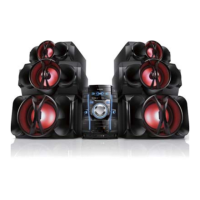
Mini Hi
-
Fi System Fwt6600
d Source selection keys
• Select a source.
e
• Stop play or erase a program.
f /
• In Disc/USB/Bluetooth mode, skip to the
previous/next track.
• In Disc/USB mode, search within a track.
• Tune to a radio station.
Overview of the main unit


 To Next Page