EasyManua.ls Logo

Philips HD8844/01 - User Manual

Philips HD8844/01
84 pages
Print Icon
To Next Page IconTo Next Page
Loading...
English
Read carefully before using the machine.
Register your product and get support at
www.philips.com/welcome
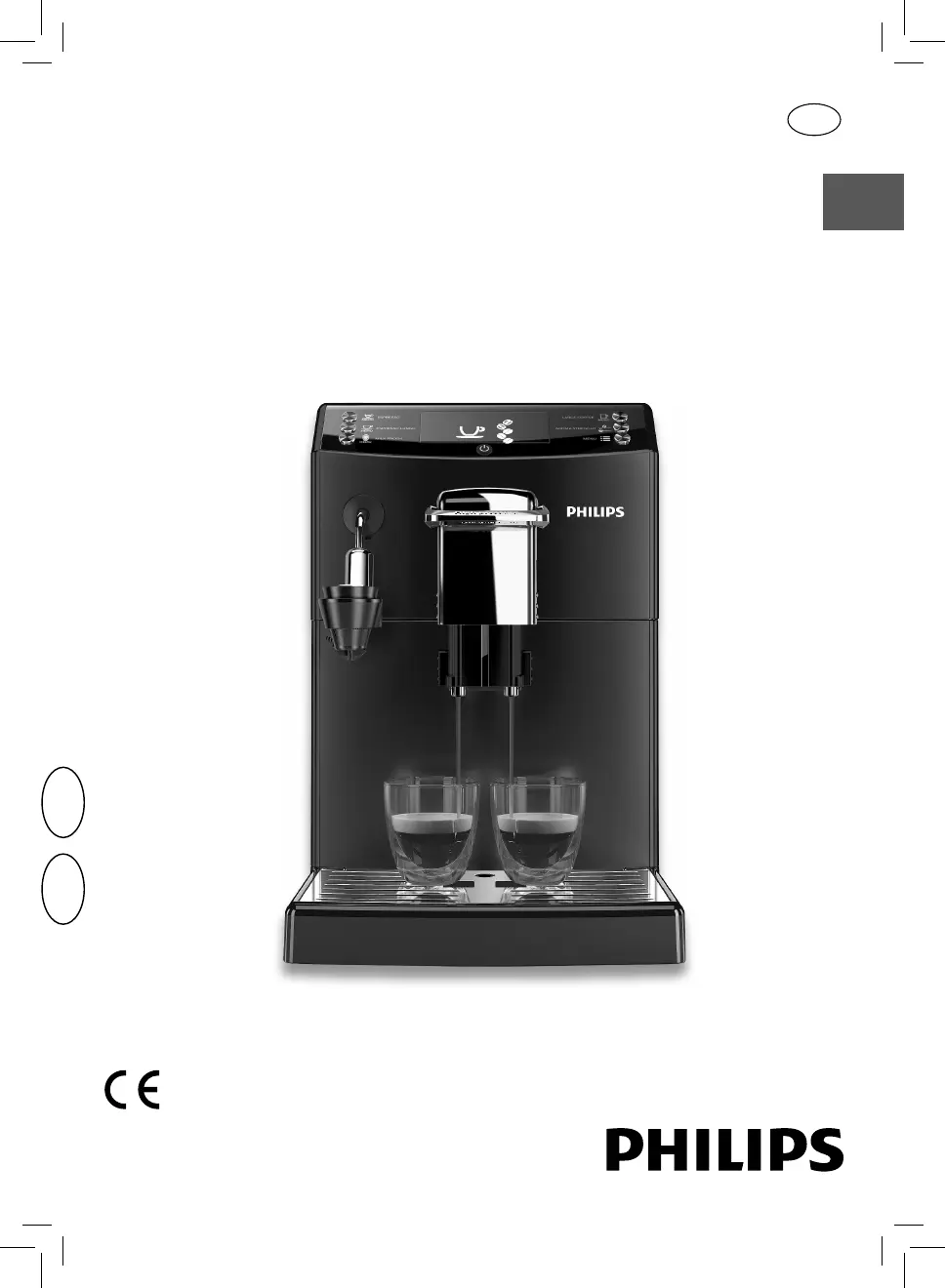
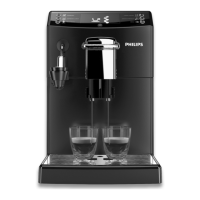
Super automatic espresso co ee machine
4000 series
USER MANUAL
HD8844
02
EN
02

Table of Contents

Questions and Answers

  • J
    Jacob JohnsonAug 27, 2025
    Why is auto-lock not working on my Philips Door locks?
    • H
      Holly WrightAug 27, 2025
      If the Auto-Lock feature isn't working on your Philips Door locks, and the battery indicator is flashing continuously, replace the batteries with 4 new AA alkaline batteries. Also, ensure that you have activated the Auto-Lock function.
  • C
    Catherine DanielsAug 27, 2025
    Why am I receiving low battery alerts on my Philips Door locks?
    • A
      Austin ScottAug 27, 2025
      If you are receiving low battery alerts on your Philips Door locks, remove the current batteries and insert 4 new AA alkaline batteries.
  • J
    Jeffrey SellersAug 28, 2025
    What to do if Latch Bolt makes sounds but does not work on Philips Door locks?
    • T
      tuckerheidiAug 28, 2025
      If, after installation, the Latch Bolt on your Philips Door locks makes sounds but does not work, ensure you have followed the installation instructions, re-install and reset the lock, making sure the Latch Bolt is fully retracted before installing the Exterior and Interior Assembly, not inserting the key during installation, correctly inserting the cable connector of the Exterior Assembly to the socket on the Interior Assembly, keeping the Exterior and Interior Assembly aligned and parallel to the door edge, and the Latch Bolt parallel to the door edge. Restore the lock to the factory default setting and use new 4 AA dry batteries.
  • R
    Ryan IrwinAug 28, 2025
    What to do if I failed to set up my Philips Door locks?
    • M
      Matthew ManningAug 29, 2025
      If you failed to set up the lock of your Philips Door locks, ensure the lock is installed correctly, insert fresh batteries, and make sure the cable is not pinched. After installation, reset the lock to factory settings to complete the lock setting process.
  • K
    Kristin ConwayAug 29, 2025
    Why is there no picture on my Philips Monitor?
    • W
      William EspinozaAug 29, 2025
      There are several reasons why your Philips Monitor might not be displaying a picture: 1. The power cord might be disconnected; plug it in. 2. The main power switch on the back of the display might not be switched on; ensure it is on. 3. The selected input might have no connection; connect a signal to the display. 4. The display might be in standby mode.
  • D
    dianefreemanAug 30, 2025
    Why is no coffee brewed or coffee is brewed slowly in my Philips Coffee Maker?
    • V
      vickieandersonAug 30, 2025
      If no coffee is brewed, it's brewed slowly, or it comes out drop by drop from your Philips Coffee Maker, several factors could be at play. The coffee grind might be too fine, or the circuit may not be primed. The brew group or dispensing spout could be dirty, or limescale might be clogging the machine circuit. To address this, you can change the coffee blend or adjust the grinding. Clean the dispensing spout and its holes. Descale the machine.
  • C
    Craig StaffordAug 30, 2025
    What to do if my Philips Coffee Maker dispenses no hot water or steam?
    • J
      Jill ReedAug 30, 2025
      If no hot water or steam is dispensed from your Philips Coffee Maker, the hole of the steam/hot water wand may be clogged. Clean the hole of the steam wand using a pin. Descale the machine.
  • R
    Robert MichaelAug 31, 2025
    How to make coffee hotter in my Philips Coffee Maker?
    • P
      Patrick JonesAug 31, 2025
      If the coffee from your Philips Coffee Maker is not hot enough, preheat the cups with hot water. Also, ensure the temperature setting is correctly adjusted.
  • S
    steven71Aug 25, 2025
    What to do if Philips Door locks only locks but does not unlock?
    • A
      Ashley WoodsAug 25, 2025
      If your Philips Door locks only locks but does not unlock, or the Latch Bolt goes in and out uncontrollably, it might be due to a problem with the door frame. Ensure the hole in the door frame is drilled a minimum of 1"(25mm) deep to provide enough space for the deadbolt. It can also be because of the lock handing or installation. Restore the lock to the factory default setting. If that doesn't work, re-install the lock and reset it again. If the issue persists, further assistance may be needed.
  • M
    Michelle MarksSep 1, 2025
    What to do if the descaling cycle cannot be completed on my Philips Coffee Maker?
    • A
      Amber LopezSep 1, 2025
      If the descaling cycle cannot be completed on your Philips Coffee Maker because not enough water is dispensed for the rinse cycle, press the on/off button and follow the instructions.

Philips HD8844/01 Specifications

General IconGeneral
BrandPhilips
ModelHD8844/01
CategoryTV
LanguageEnglish

Related product manuals