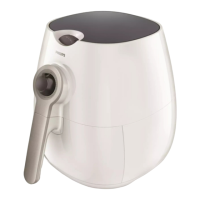
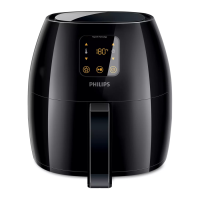
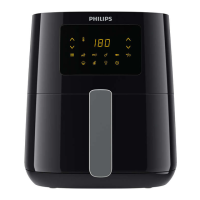
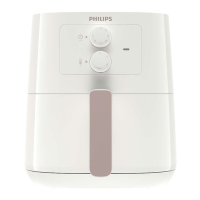
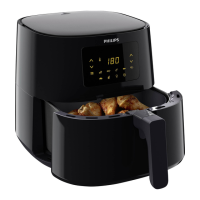
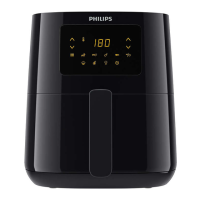
HD9220/20 /21 /22 /23 /24
5-10
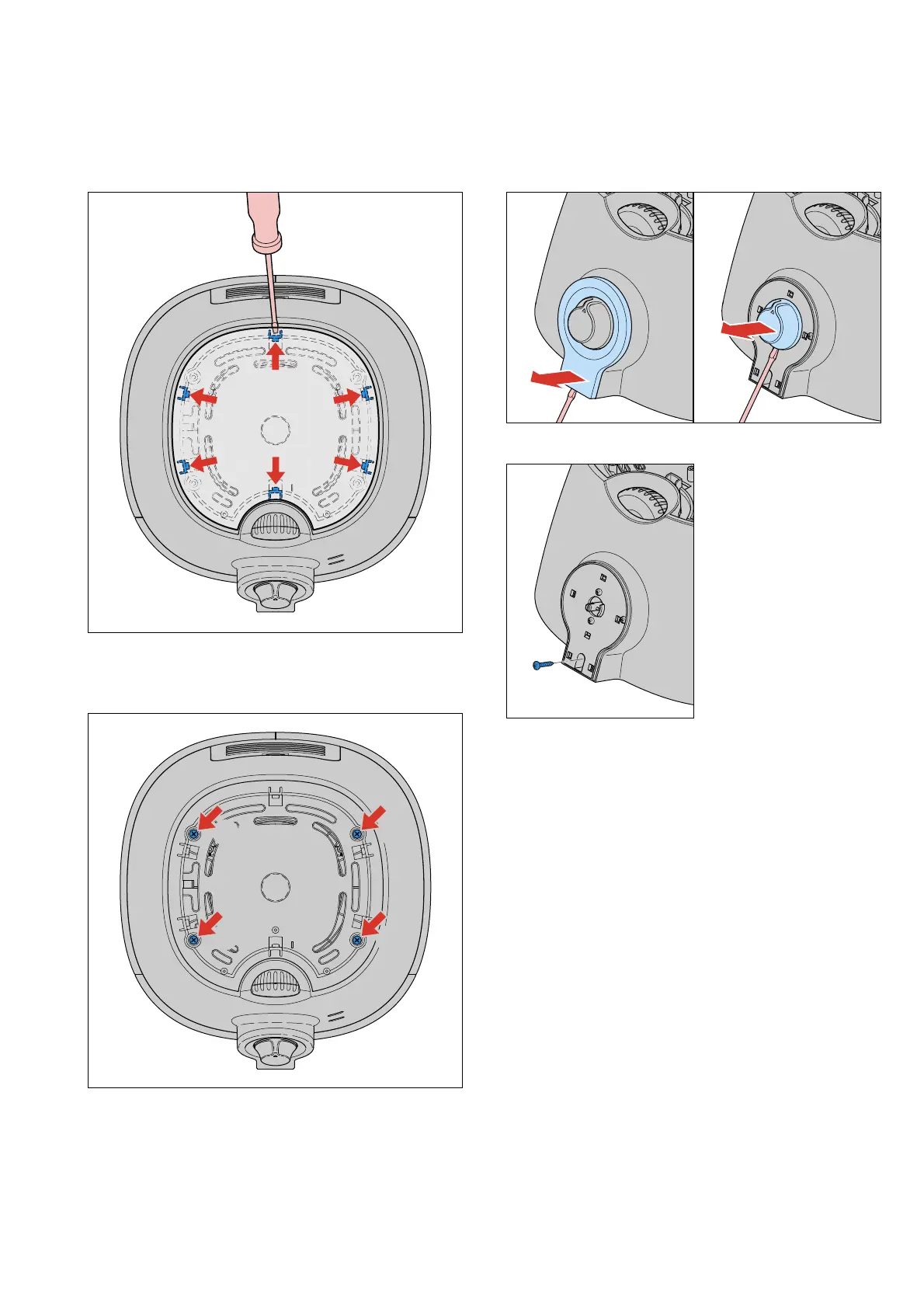
A. Top cover removal
1. Open the cover from the top cover by using a athead
screw driver to open the 6 click connections.
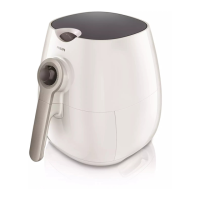
2. Use a crosshead screw driver to unscrew the 4 screws A.
Note: When you close the top cover, use a screw
torque off 50 till 80 Nm (5 to 8 kgf.cm)
A
A
A
A
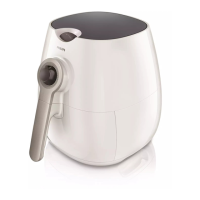
3. Use a athead screw driver to open the “timer top cover”
and pull the knob from the appliance.
4. Unscrew the screw B under the timer top cover.
B
Note: Replace the timer cover and / or the cover in
case of damage and / or scratches.
Tip: Open the “timer cover” from the bottom side,
to avoid scratches on visible places.
DISASSEMBLY- AND RE-ASSEMBLY ADVICE



 To Next Page