11ENGLISH
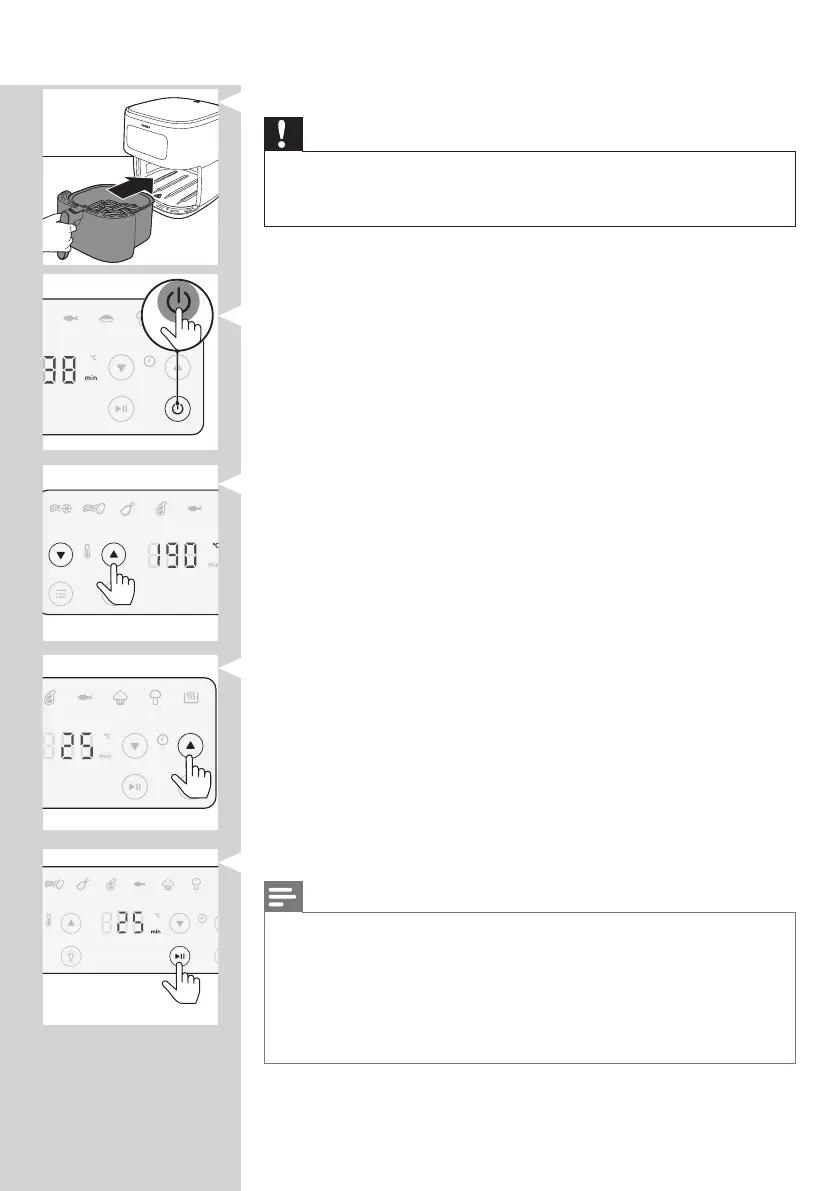
4 Put the pan with the basket back into the Airfryer.
Caution
• Never use the pan without the basket in it.
• Do not touch the pan or the basket during and for some time
after use, as they get very hot.
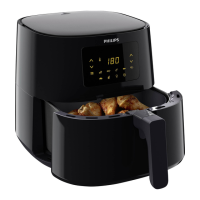
5 Press the power On/o button to switch on the appliance.
6 Press the temperature up or down button to choose the
needed temperature.
7 Press the time up button to choose the needed time.
8 Press the start/pause button to start the cooking process.
Note
• During cooking the temperature and time are shown alternately.
• The last cooking minute counts down in seconds.
• Refer to the food table with basic cooking settings for dierent types
of food.
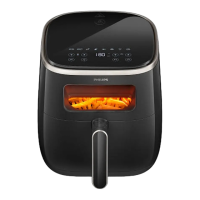
• After the cooking process starts, the light inside the device turns on
automatically. The light turns o after a few minutes. You can turn it
on again during cooking by pressing the light button.


 To Next Page