16 ENGLISH
Changing to another preset
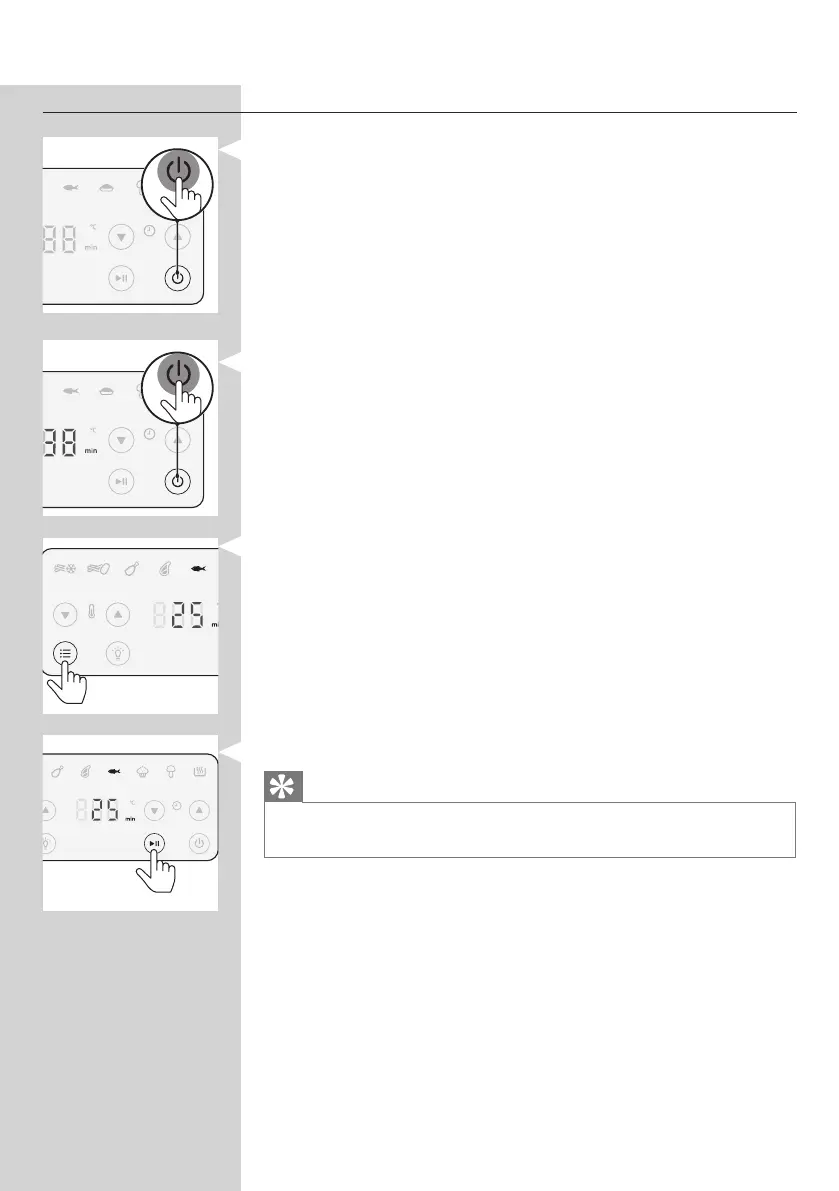
1 During the cooking process short press the power On/o
button to stop the cooking process. The device is then in
stand-by mode.
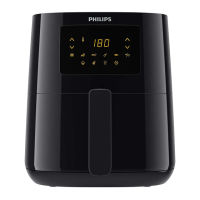
2 Press the On/o button again to turn on the device.
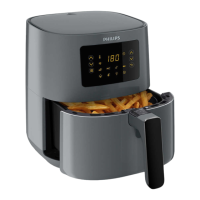
3 Press the menu button as often as your needed preset is
blinking.
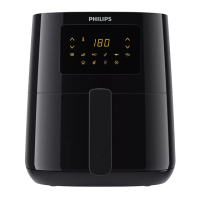
4 Press the start/pause button to start the cooking process.
Tip
• To switch to manual mode while in a preset, press the menu button
repeatedly until you are in the manual mode.


 To Next Page