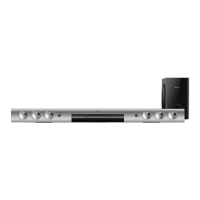
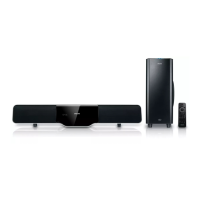
15
1 Complete the connections (see above),
then mount on the back panel to keep the
back smooth.
2 Mount on the stand and place the main
unit near to the TV.
a &RQQHFWDQRSWLFDOFDEOHQRWVXSSOLHG
to:
- the OPTICAL IN socket on this unit.
- the Optical output socket on the
GLJLWDODPSOLÀHUUHFHLYHU
Connect FM antenna
Tip
This unit does not support MW radio reception.
1 Connect the supplied FM antenna to the
FM ANT socket on the unit.
Place the unit
Note
To avoid magnetic interference or unwanted noise,
never place this apparatus and speakers too close to
any radiation devices.
Never place this unit in an enclosed cabinet.
Install this unit near the AC outlet where the AC power
plug can be easily reached.
English
EN


 To Next Page
 Loading...