2-1
Software Version Check & Upgrade
Upgrade software
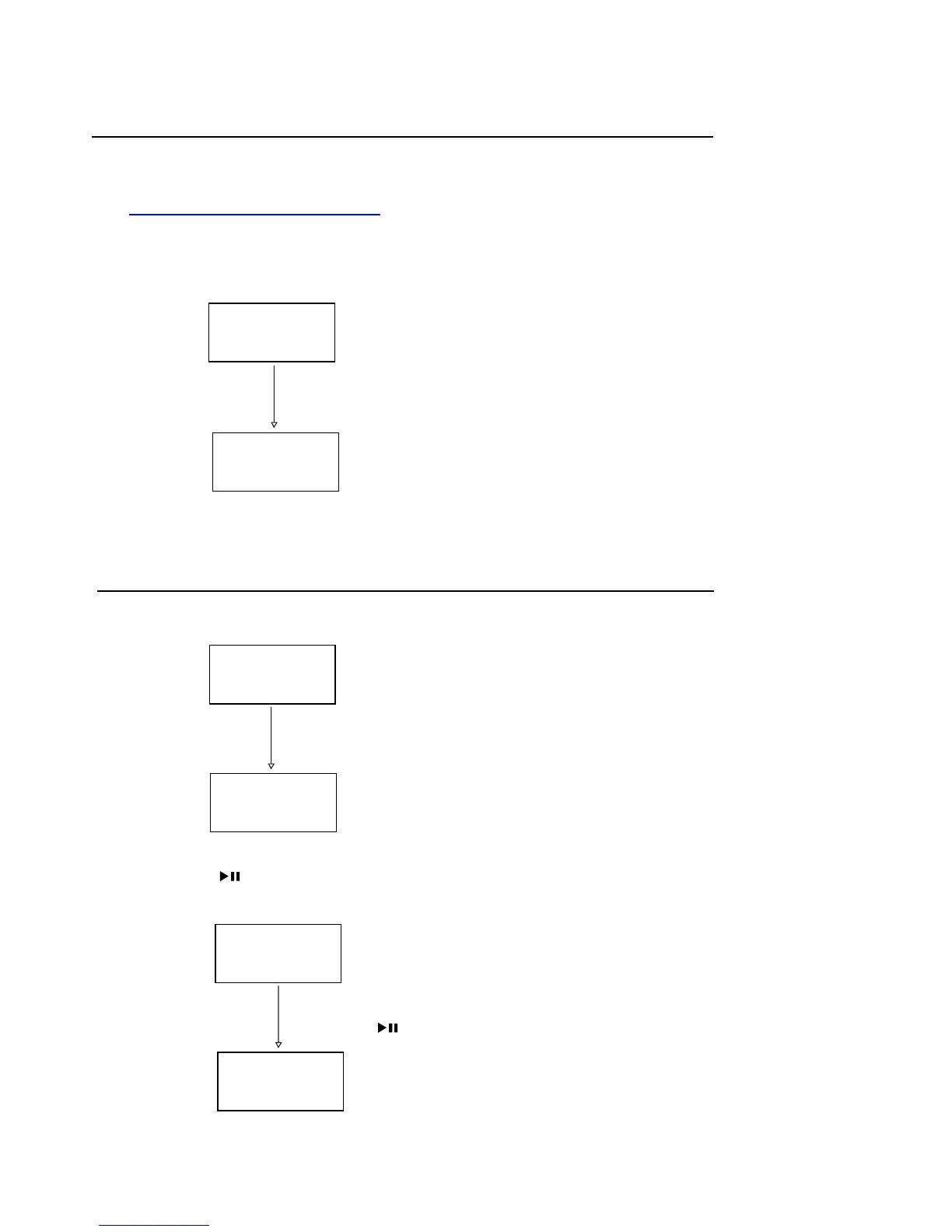
USB
No USB
Upgrading
Read USB
Software version and date check
2,Press the “ ” button continuously 4 times on remote control,
display showing as below:
1.Download the software form Philips support website
2.Insert the Software USB device,when it is loading ,
VFD display showing as below:
Waiting a minute,till the VFD display as below:
Software upgrade finish.
http://www.philips.com/support
2313 Vxx
1,Insert the power and turn on the main set,VFD display as below:
MM DD
Press the “ ” button again, can check the software date


 To Next Page