20 EN
Step 1: Download the latest software
1 Connect a USB ash drive to your
computer.
2 In your web browser, go to
www.philips.com/support.
3 At the Philips Support website, nd your
product and locate the Software and
drivers.
» The software update is available as a
zip le.
4 Save the zip le in the root directory of
your USB ash drive.
5 Use the archive utility to extract the
software update le in the root directory.
6 Disconnect the USB ash drive from your
computer.
Step 2: Update the software
Caution
•
Do not switch off the home theater or remove the
USB ash drive during the update.
1 Connect the USB ash drive containing the
downloaded le to your home theater.
• Make sure that the disc compartment
is closed and there is no disc inside.
2 Switch your TV to the correct source for
your home theater.
3 Follow the onscreen instructions to
conrm the update.
» Once complete, the home theater
automatically switches off and restarts.
If it does not, disconnect the power
cord for a few seconds and then
reconnect it.
7 Product
specifications
Note
•
Specications and design are subject to change without
notice.
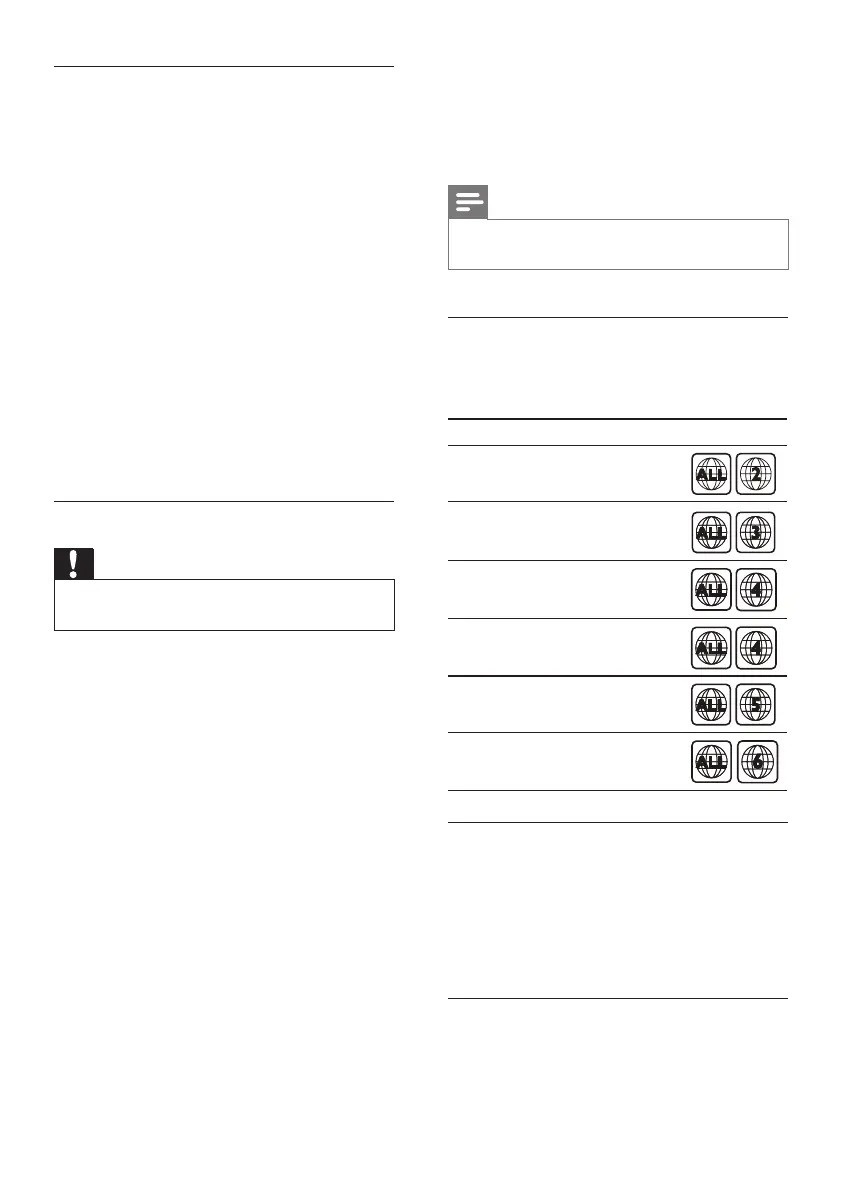
Region codes
The type plate on the back or bottom of the
home theater shows which regions it supports.
Media formats
• DVD-Video, DVD+R/+RW, DVD-R/-RW,
DVD+R/-R DL, CD-R/CD-RW, Audio CD,
Video CD/SVCD, Picture les, MP3 media,
WMA media, DivX media, USB storage
device
Supportedleformats
• Video: .avi, .divx, .mpg, .mpeg
• Audio: .mp3, .wma
• Picture: .jpg, .jpeg
Country
DVD
Europe, United Kingdom
Latin America
Australia, New Zealand
Russia, India
China
Asia Pacific, Taiwan, Korea



 To Next Page