4 EN
Help and support
Philips provides extensive online support. Visit
our website at www.philips.com/support to:
• download the user manual and the quick
start guide
• watch video tutorials (available only for
selected models)
• ndanswerstofrequentlyanswered
questions (FAQs)
• email us a question
• chat with our support representative.
Follow the instructions on the website to select
your language, and then enter your product
model number.
Alternatively, you can contact Philips Consumer
Care in your country. Before you contact
Philips, note down the model number and
serialnumberofyourproduct.Youcanndthis
information on the back or bottom of your
product.
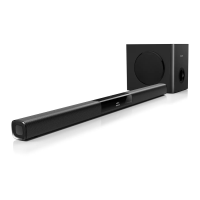
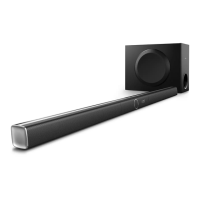
2 Your SoundBar
Congratulations on your purchase, and
welcometoPhilips!Tofullybenetfrom
the support that Philips offers, register your
SoundBar at www.philips.com/welcome.
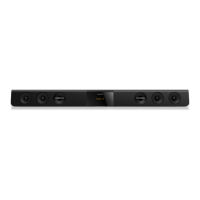
Main unit
This section includes an overview of the main
unit.
a (Standby-On/Standby indicator)
• Switch the SoundBar on or to standby.
• When the SoundBar is in standby, the
standby indicator turns red.
b VOLUME +-
Increase or decrease volume.
c SOURCE
Select an input source or Bluetooth mode
for the SoundBar.
d Display panel
Remote control
This section includes an overview of the
remote control.
a bc
d


 To Next Page