18
Select a play source
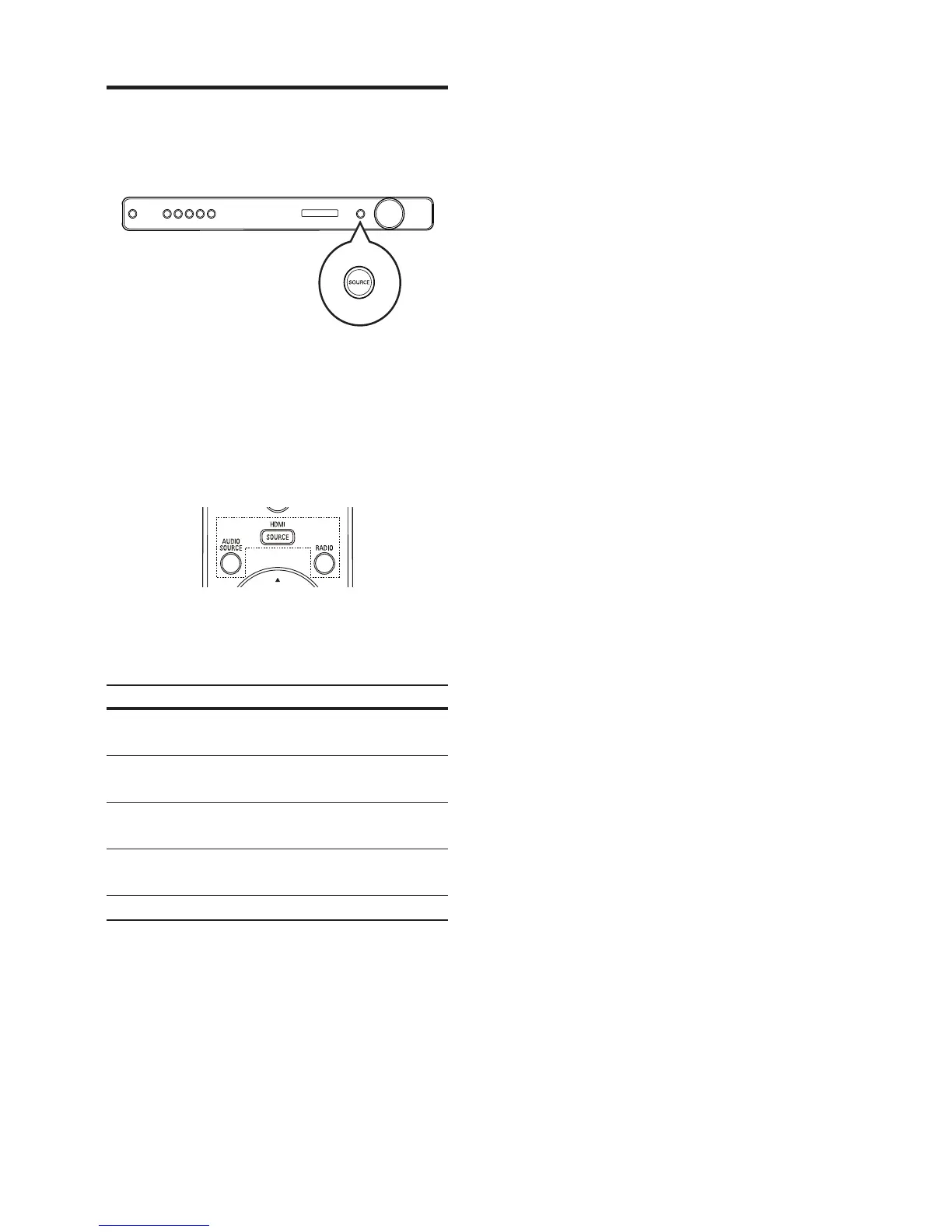
On the main unit
1 Press the SOURCE button repeatedly to
select: COAX IN > OPTI IN > AUX1 >
AUX2 > MP3 LINK > FM > HDMI IN1 >
HDMI IN2.
On the remote control
Press • AUDIO SOURCE repeatedly
to listen to the audio output from the
connected device.
Display Device connected to
AUX1 AUDIO IN-AUX1
sockets.
AUX2 AUDIO IN-AUX2
sockets.
COAX IN DIGITAL IN-
COAXIAL socket.
OPTI IN DIGITAL IN-
OPTICAL socket.
MP3 LINK MP3 LINK socket.
Press • HDMI SOURCE to select the
device that is connected to the HDMI
IN1 or HDMI IN2 socket.
Press • RADIO to switch to FM band.
EN



 To Next Page