14
English
FRONT
LEFT
FRONT
RIGHT
REAR RIGHTREAR LEFT
CENTER
SUBWOOFER
Step 2: Connecting the
speakers and subwoofer
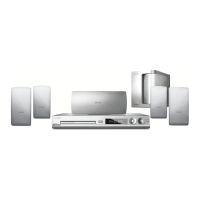
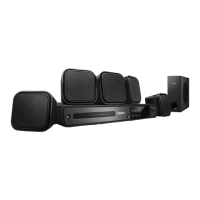
Connect all the speakers and subwoofer
to the speaker sockets at the rear of the
DVD system. Make sure that the colours
of the plugs and sockets are matched.
Helpful Hint:
– To prevent unwanted noise, do not place
the speakers too close to the DVD system,
AC power adapter, TV or any other radiation
sources.
TIPS: Before making or changing any connections, make sure that all the devices are disconnected
from the power outlet.
Basic Connections (continued)












 To Next Page