10
Change sound mode
Select predened sound modes to suit your
video or music.
Press SOUND MODE repeatedly to cycle
through the available sound modes.
Sound mode Description
ACTION /
ROCK
Enhanced low and high-range.
Ideal for action movies and rock
or pop music.
DRAMA /
JAZZ
Clear mid and high-range. Ideal
for drama movies and jazz music.
CONCERT /
CLASSIC
Neutral sound. Ideal for live
concerts and classical music.
SPORTS Moderate mid-range and
surround effects for clear vocals
and the atmosphere of a live
sport venue.
NIGHT Dynamically controlled sound
mode suitable for watching
movies at night or for non-
intrusive background music.
Change surround mode
DVS (Dolby Virtual Speaker) technology
creates a highly compelling 5.1-channel listening
experience from as few as two speakers.
Select surround sound
During play, press SURROUND to switch on or
off the surround sound effect.
5 Use your home
theater
This section helps you use the home theater to
play media from a wide range of sources.
Before you start
Check that you:
Make the necessary connections and
•
complete the setup as described in the
Quick Start.
Switch the TV to the correct source for the
•
home theater.
Choose your sound
This section helps you choose the ideal sound for
your video or music.
Change treble or bass
Change the high frequency (treble) or low
frequency (bass) settings of the home theater to
suit your video or music.
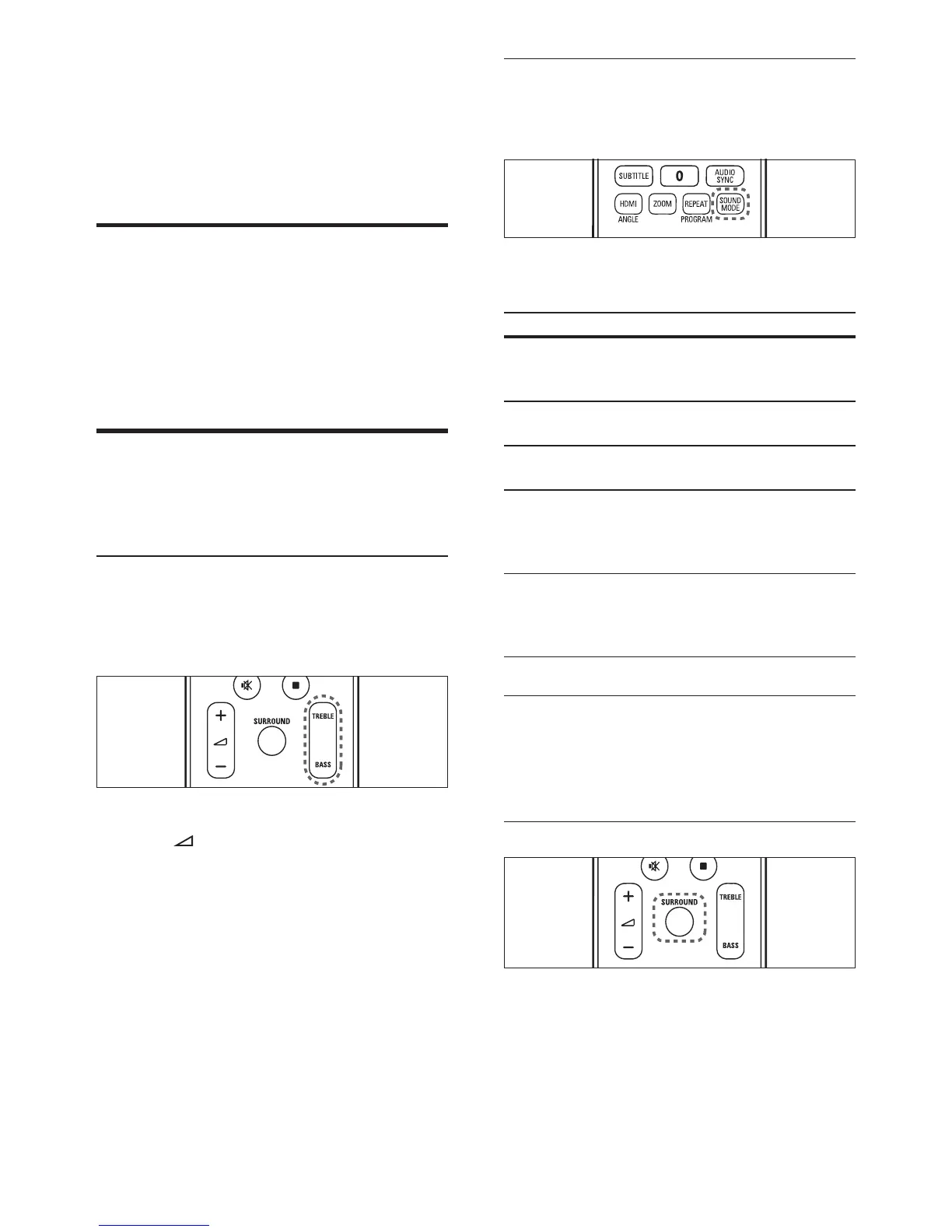
1 Press TREBLE or BASS.
2 Press +/- within ve seconds to increase
or decrease treble or bass.
EN



 To Next Page