10
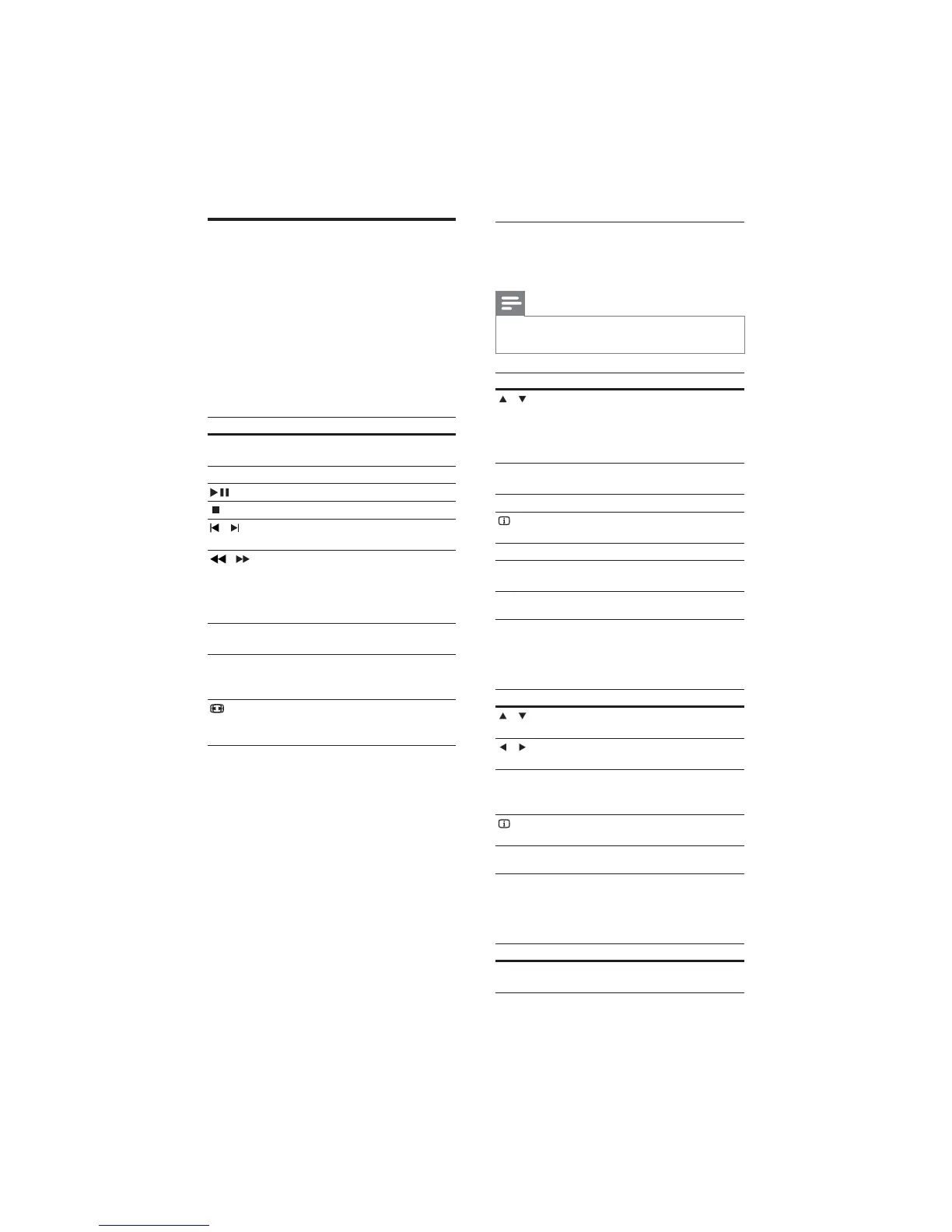
Use video options
Access several useful features while viewing
video.
Note
Available video options depend on the video •
source.
Button Action
/
Searches slow-backward or
slow-forward. Press repeatedly to
change the search speed.
For VCD/SVCD, slow-backward
search is not available.
AUDIO
SYNC
Selects an audio language or
channel.
SUBTITLE Selects subtitle language for video.
INFO
Displays information about what
is playing.
REPEAT Repeats a chapter or title.
ANGLE Displays options for different
camera angles.
Use picture options
Access several useful features while viewing
pictures.
Button Action
/
Rotates the picture counter-
clockwise or clockwise.
/
Skips to the previous or next
picture.
REPEAT Repeats a single fi le in the folder or
repeats the entire folder.
Shuffl es fi les in a folder.
INFO
Displays photo albums in a
thumbnail overview.
Use audio options
Access several useful features while audio is
played.
Button Action
REPEAT Repeats a track, the entire disc
or shuffl e tracks.
Play a disc
The home theater can play a wide variety of
discs, including video, audio and mixed media (for
example, a CD-R that contains JPEG pictures and
MP3 music).
1 Insert a disc into the home theater.
2 Press DISC.
The disc plays or the disc main menu »
appears.
3 Press the following buttons to control play:
Button Action
Navigation
buttons
Navigate menus.
OK Confi rms an entry or selection.
Starts, pauses or resumes play.
Stops play.
/
Skips to the previous or next
track, chapter or fi le.
/
Fast backwards or fast forwards.
Press repeatedly to change the
search speed.
In pause mode, steps forward by
one frame.
ZOOM Zooms into a video scene or
picture.
REPEAT
A-B
Marks two points within a chapter
or track for repeat play, or turns
off repeat mode.
SCREEN
FIT
Fits the picture format to the TV
screen.
EN





 To Next Page