37
English
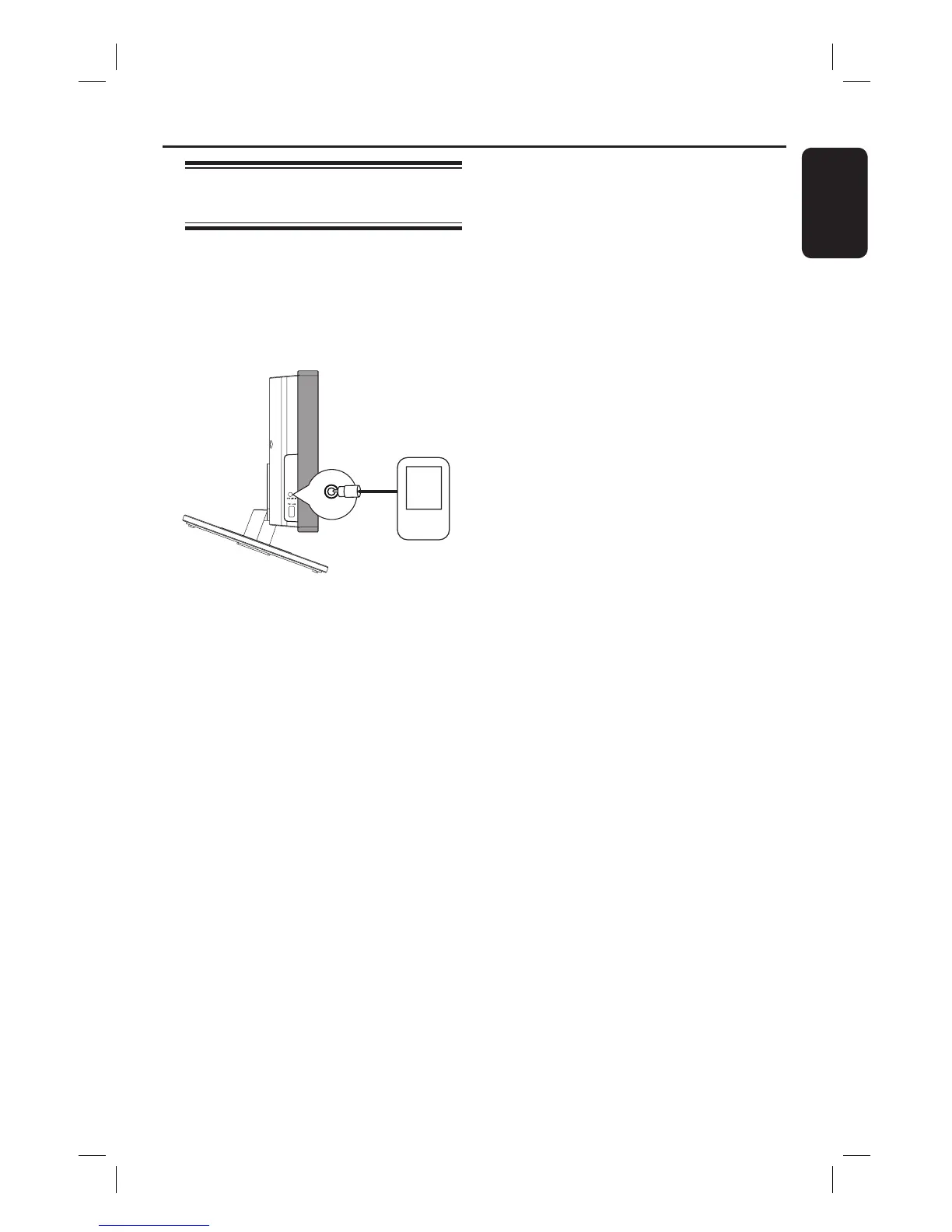
Playing from other portable
audio player
When you connect your portable audio
player to this unit to get the best
immersion sound experience through the
speaker system. However, controlling of
playback is only possible on the portable
audio player.
MP3 LINE-IN
A Use the supplied MP3 LINE-IN cable to
connect between the ‘headphone’ output
socket on your portable audio player and
the MP3 LINE-IN socket on this unit.
B Press MP3 LINE-IN on the remote
control.
C Start playback on your portable audio
player.
The music will be heard through the
speakers.
D To stop playback, press the STOP button
on the portable audio player.
Helpful Hint:
– If you change the input source by pressing
any of the source buttons (e.g. DISC/USB,
RADIO), press the STOP button on the
portable audio player to stop its playback.
Playback - Other Audio Player













 To Next Page