For PC users
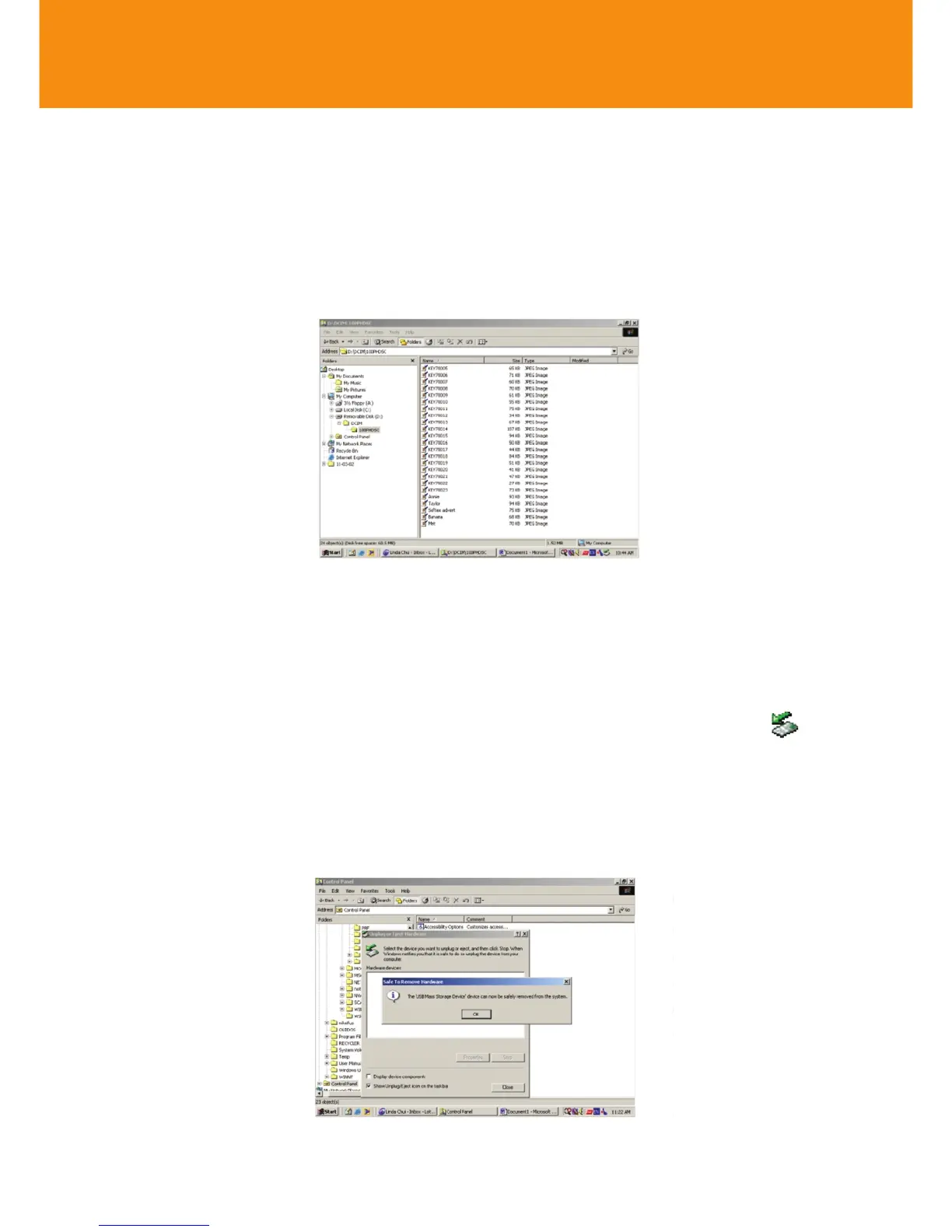
When connected via the USB, the camera is detected and automatically
located as Removable Disk/ Device.
1 Launch Windows File Manager or Windows Explorer to access the
Removable Disk.
Transferring / viewing pictures
16
2 Click onto Removable Disk ➜ DCIM ➜100PHDSC to access your
pictures.
3 In Windows Explorer, clickThumbnails to see the picture overview.
4 Click on the file you want to open.
5 When you have finished viewing your files, click the hardware icon at
the bottom of the screen, and follow the screen instructions.
6 When the Safe to Remove Hardware dialogue box appears, click OK.













 To Next Page