For Mac users
When connected via the USB, the camera is detected and shown as a new
icon named KEYRING00X on your desktop screen (where X refers
to your model number).
TIP:
– When connecting the camera to your computer, avoid using the USB connection on your
Mac keyboard as it doesn't have sufficient power to detect your camera.
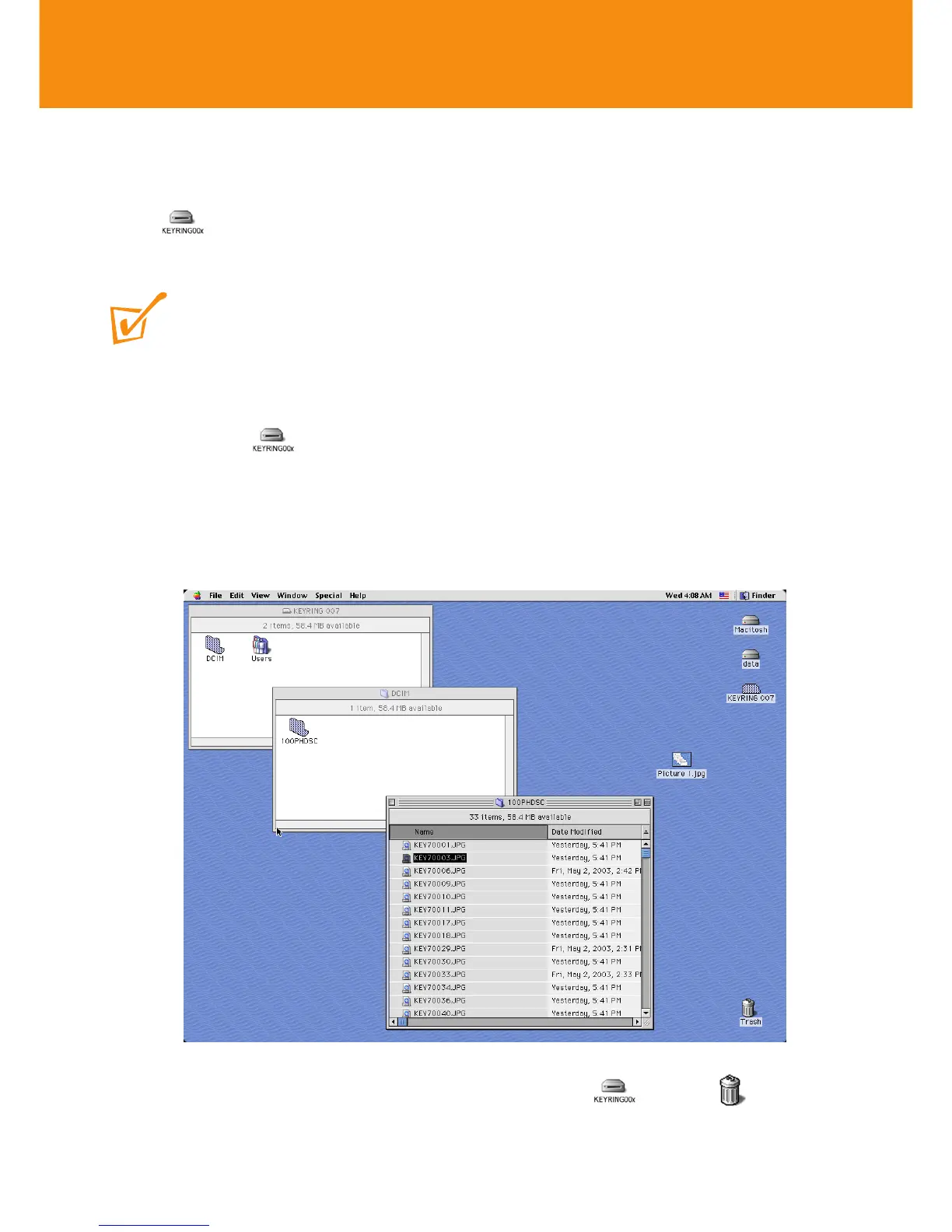
1 Click onto to access the Removable Disk.
2 Click on DCIM ➜100PHDSC to access your pictures.
3 Click on the file you want to open.
Transferring / viewing pictures
17
4 When you have finished viewing your files, drag to the Trash
icon on your desktop.













 To Next Page