English
21
1 Press DAB MENU.
2 Push TUNE 1 / 2 once or more (or S/T
on the remote) and then, ENTER to select
DRC value.
3 If necessary, push TUNE 1 / 2 once or more
(or S/T on the remote) and then,
ENTER to select your desired DRC value.
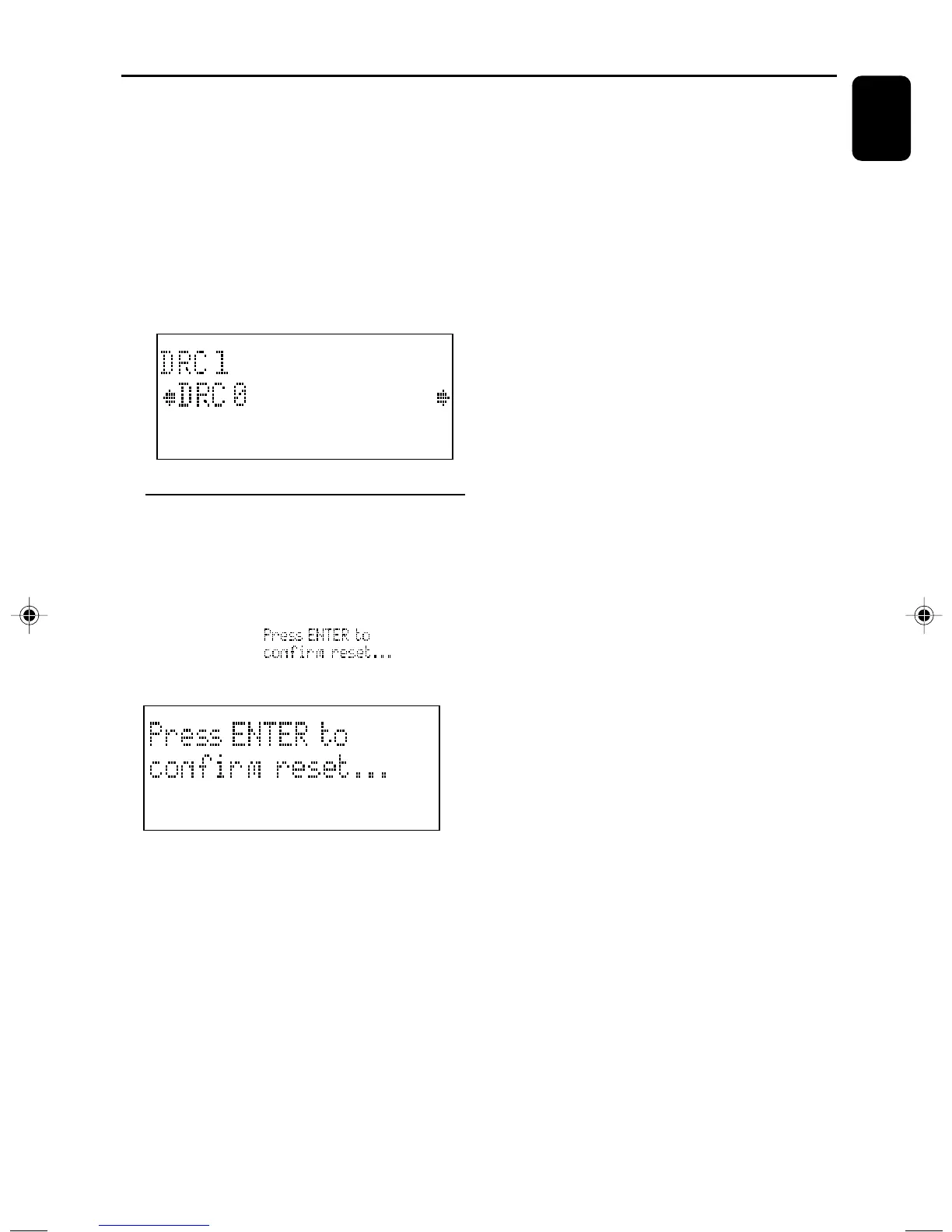
DRC 0 (for outdoor use), DRC 1/2 (for in-home
use), DRC 1 (for headphone use).
DAB
Resetting
If desired, you can restore your radio to its
default setting by using DAB MENU.
1 Press down on DAB MENU for more than 2
seconds.
➜ Display shows:
2 Press ENTER to confirm resetting.
DAB
Note:
– If any of your action is not confirmed within 7
seconds, it is cancelled automatically.
DAB Reception
pg001-026_MCB240_22-Eng 2005.8.1, 13:3221



 To Next Page