6
English
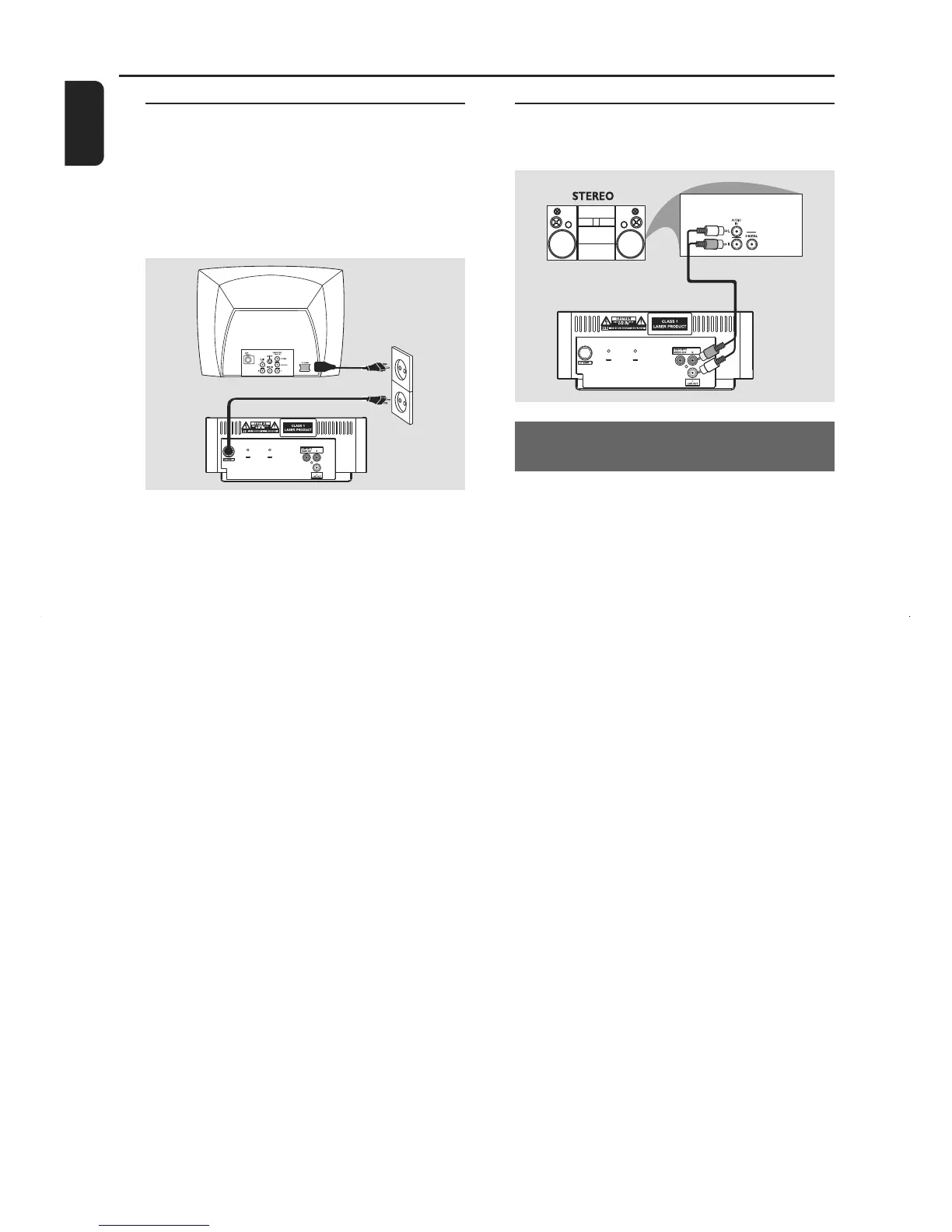
Step 2: Connecting the power
cord
IMPORTANT!
– Never make or change any
connection with the power switched on.
• After everything is connected properly, plug in
the AC power cord to the power socket.
Note:
– Refer to the type plate on the rear or bottom
of the system for identification and supply ratings.
Step 3: Connecting to a stereo
system
Stereo system has Dolby Pro Logic or
right/left Audio In sockets
• Use the supplied composite video cable (yellow)
to connect the system’s COMPOSITE VIDEO
jack to the video input jack (or labeled as A/V In,
Video In, Composite or Baseband) on your TV.
• Use the audio cables (white/red) to connect
LINE OUT (L/R) jacks to the corresponding
AUDIO IN jacks on the stereo system.
Connections



 To Next Page