Home
Philips
Home Theater System
MCD139B
Page 4 (Important Safety Instructions)
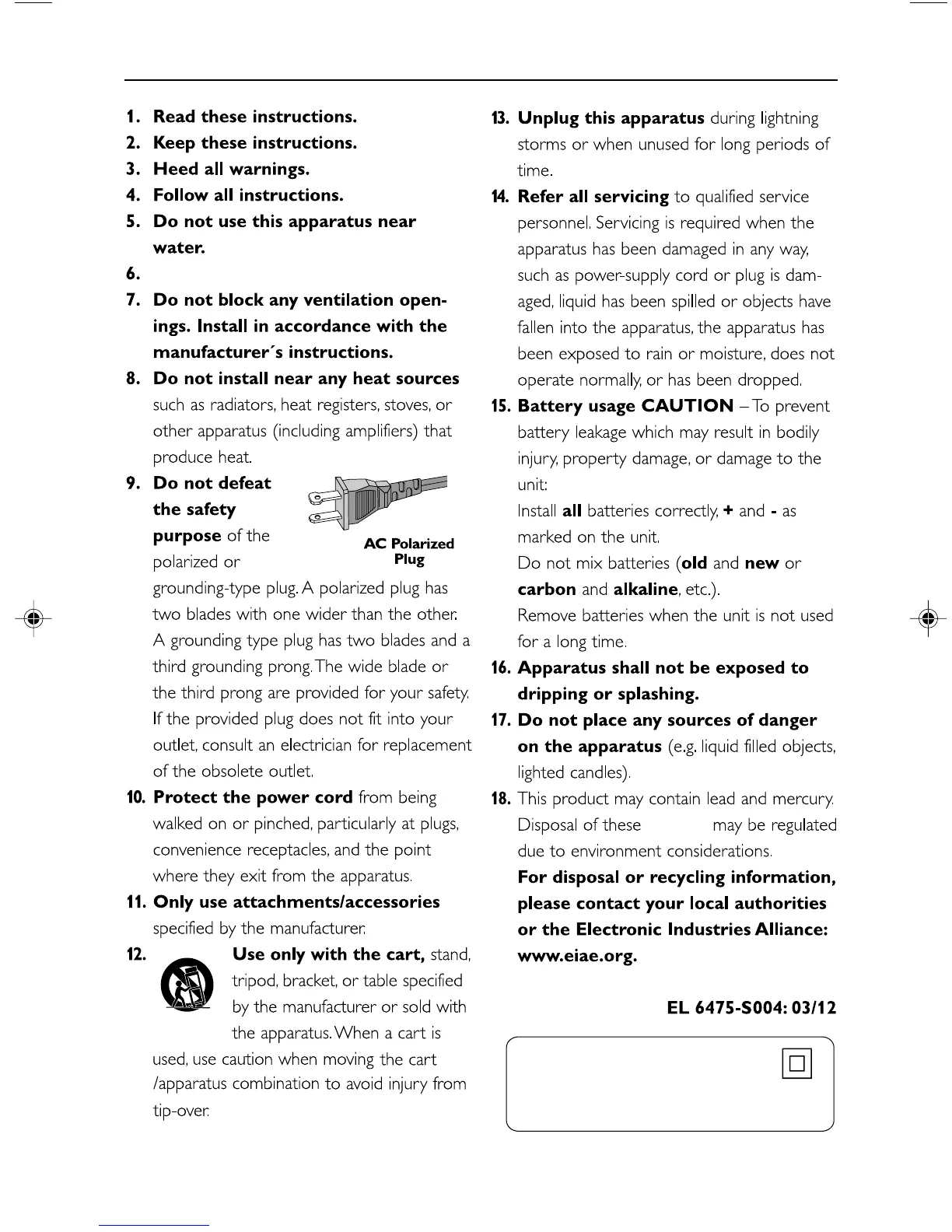
Philips MCD139B - Important Safety Instructions; Polarized and Grounding Plugs; Appliance Care and Usage; Servicing and Disposal
40 pages
Manual
Save Page as PDF
To Next Page
To Next Page
To Previous Page
To Previous Page
Loading...
4
IMPOR
T
ANT SAFETY INSTR
UCTIONS
Class II equipment symbol
This symbol indicates that the unit has
a double insulation system
Clean only with dry cloth.
mater
ials
pg001-pg039-MCD139B_37_Eng 20/12/06,
17:21
4
3
5
Table of Contents
Main Page
Default Chapter
4
Important Safety Instructions
4
Table of Contents
6
General Information
8
Features
8
Supplied Accessories
8
Environment Information
8
Safety Information
9
Maintenance
9
Connections
10
Step1: Placing Speakers and Subwoofer
10
Step2: Connecting Speakers and Subwoofer
10
Step3: Connecting TV Set
11
Using Video in Jack (CVBS)
11
Using S-Video in Jack
12
Using an Accessory RF Modulator
12
Step4: Connecting the FM Antenna
13
Step5: Connecting the Power Cord
13
Step6: Connecting a VCR or Cable/Satellite Box
13
Step7: Connecting Digital Audio Equipment
14
Functional Overview
15
Controls on the System
15
Remote Control
16
Getting Started
18
Step 1: Using the Remote Control
18
Step 2: Setting up the
18
Selecting the Color System that Matches Your TV Set
18
Setting up Progressive Scan Feature
19
To Deactivate Progressive Manually
20
Step 3: Setting Language Preference
20
Setting the OSD Language
20
Setting the Audio, Subtitle and Disc Menu
20
Basic Functions
21
Switching the System On/Off
21
Power Saving Automatic Standby
21
Volume Control
21
Sound Control
21
DBB (Dynamic Bass Boost)
21
DSC (Digital Sound Control)
21
Disc Operations
22
Playable Discs
22
Region Codes
22
Playing Discs
23
Using the Disc Menu
23
Using PBC Feature
23
Resuming Playback
23
Selecting and Searching
23
Selecting a Different Track/Chapter
23
Fast Forwarding/Reversing
24
Goto
24
Different Play Modes: REPEAT, SHUFFLE and REPEAT A-B
24
Repeat
24
Shuffle
24
Repeat A-B
24
Programming Favourite Tracks
25
Display Information
25
Zoom
26
Audio
26
Subtitle
26
Playing a Title
26
Playing MP3/WMA/JPEG Disc
26
Playing MP3 Music and JPEG Picture
27
Simultaneously
27
Playing Kodak Picture Disc
27
DVD MENU Operations
28
Using the Menu Bar
28
Using Setup Menu (User Preference Settings)
29
TV Display
29
Screen Saver
29
Night Mode
30
Test Tone
30
Changing the Password
30
Restricting Playback by Setting Parental Level
31
Rating Explanations
31
Tuner
32
Tuning to Radio Stations
32
Storing Preset Radio Stations
32
Manual Programming
32
Automatic Programming
32
Listening to Preset Radio Stations
32
Deleting a Preset Radio Station
32
Clock/Timer
33
Viewing Clock
33
Setting Clock
33
Setting Wake-Up Timer
33
Setting Sleep Timer
33
Specifications
34
Troubleshooting
35
Glossary
38
Laser Product
40
Other manuals for Philips MCD139B
User Manual
39 pages
Specifications
2 pages
Related product manuals
Philips MCD139
57 pages
Philips MCD139B/12
57 pages
Philips MCD139B/58
37 pages
Philips MCD109
41 pages
Philips MCD106
23 pages
Philips MCD107
26 pages
Philips MCD109/98
41 pages
Philips MCD170/58
33 pages
Philips MCD179/58
41 pages
Philips MCD170/98
33 pages
Philips MCD129/98
32 pages
Philips MCD183/55
31 pages



 To Next Page