2-1
Software Version Check & Upgrade
Upgrade software
Software version and date check
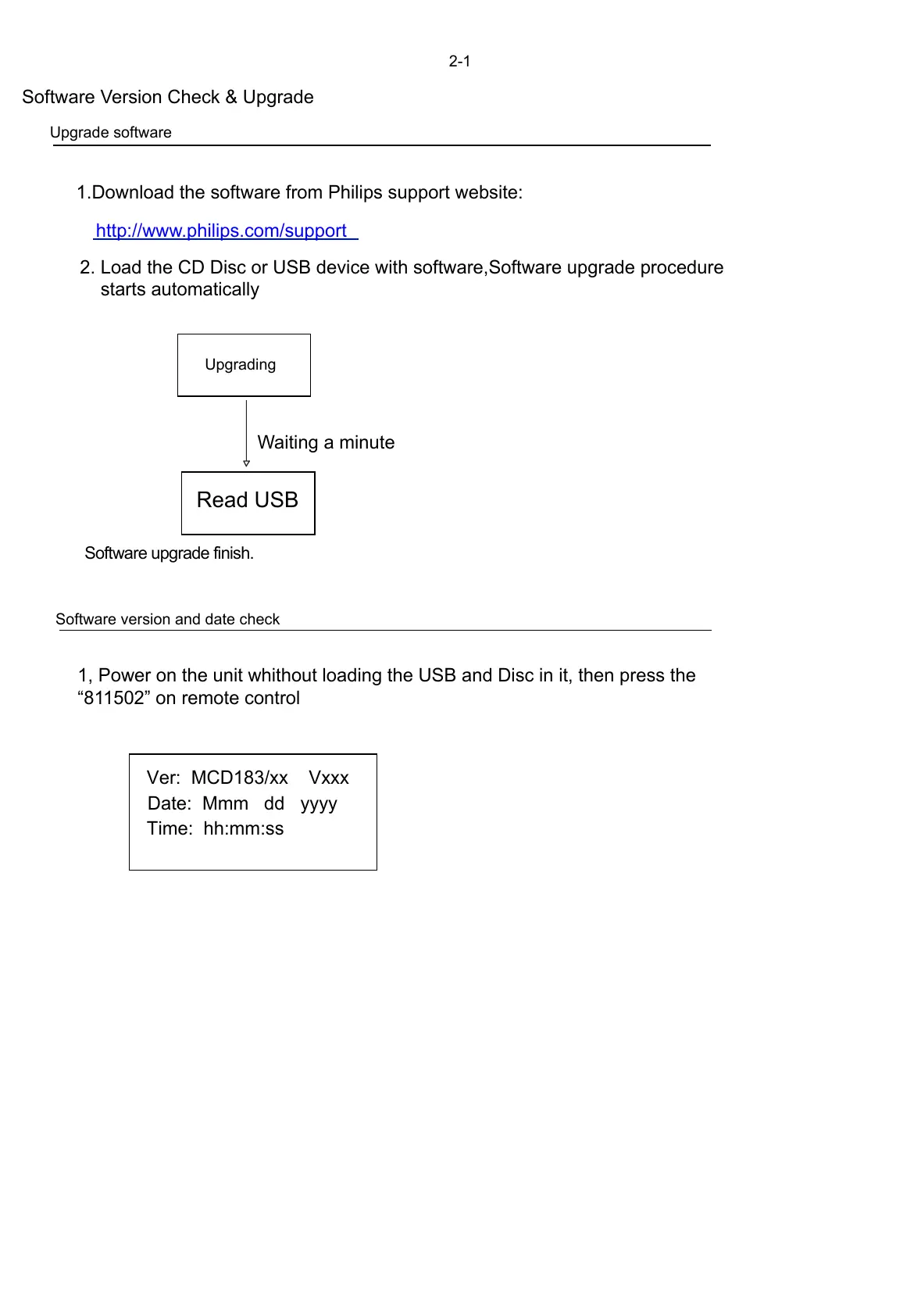
Ver: MCD183/xx Vxxx
Date: Mmm dd yyyy
Time: hh:mm:ss
1, Power on the unit whithout loading the USB and Disc in it, then press the
“811502” on remote control
Upgrading
Read USB
1.Download the software from Philips support website:
2. Load the CD Disc or USB device with software,Software upgrade procedure
starts automatically
Waiting a minute
Software upgrade finish.
http://www.philips.com/support



 To Next Page