6 EN
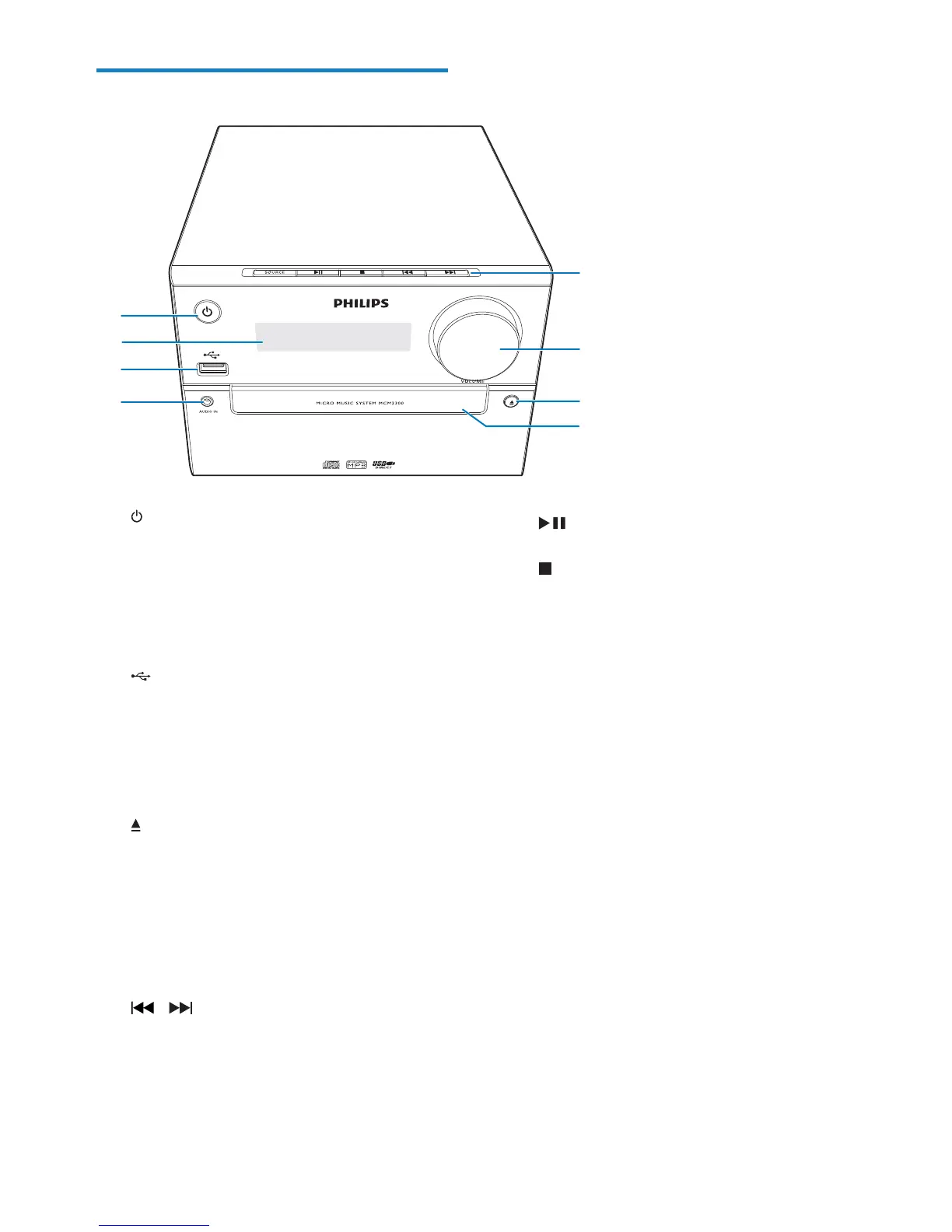
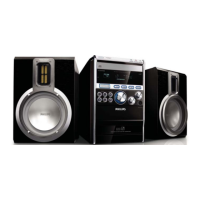
Overview of the main unit
a
Turn on the product.
Switch to standby mode or ECO
power standby mode.
b Display panel
Show current status.
c
Connect USB storage devices.
d AUDIO IN
Connect external audio devices.
e Disc compartment
f
Open or close the disc compartment.
g VOLUME
Adjust volume.
h SOURCE
Select a source: DISC, USB, TUNER,
AUDIO IN.
/
Skip to previous/next track.
Search within a track/disc.
Tune to a radio station.
Adjust time.
b
c
d
e
f
h
g
a
Start or pause play.
Stop play.
Erase a program.



 To Next Page