16
English
CD
Helpful hints:
– If you have not organized MP3/WMA files into
any albums on your disc, an album “00” will be
automatically assigned for all those files.
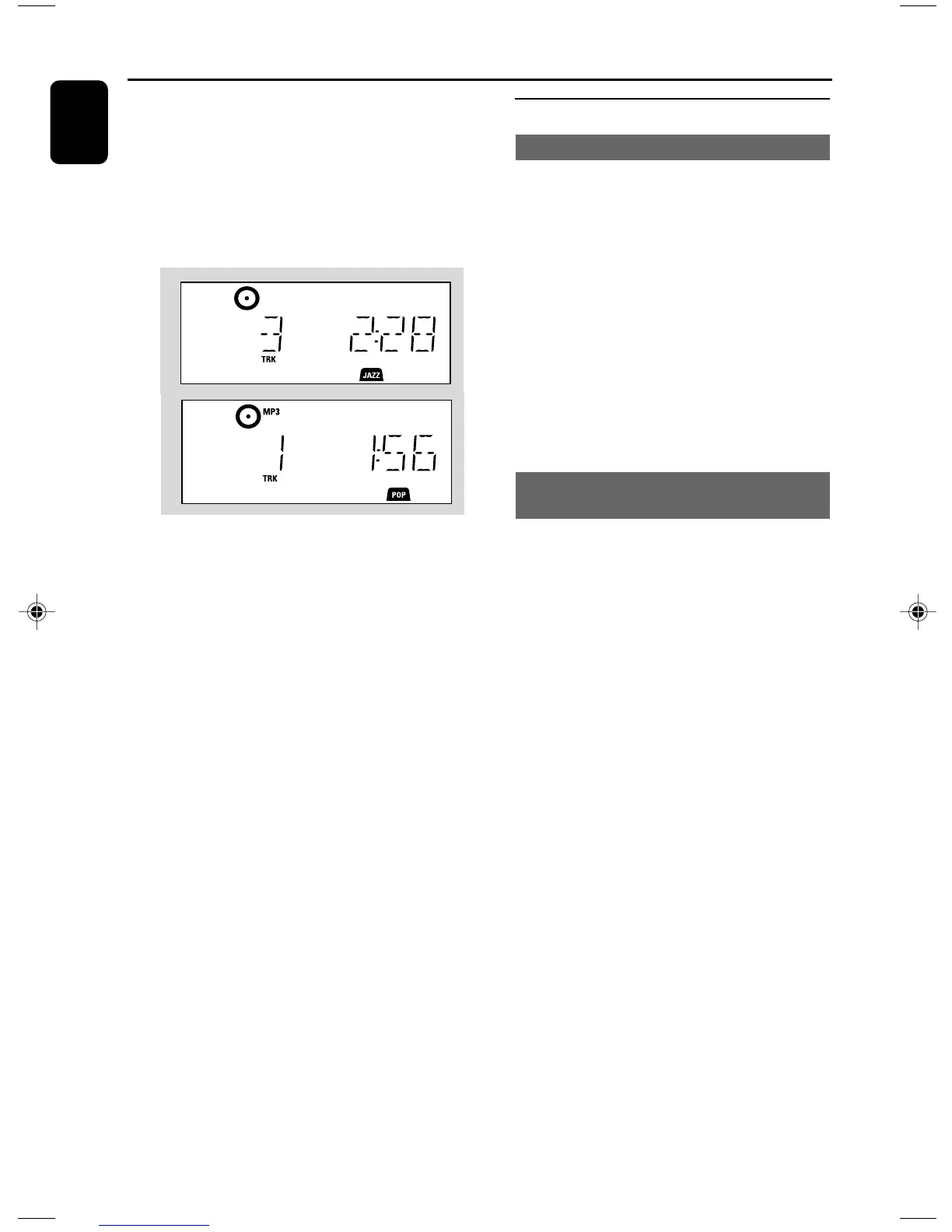
4 Press ÉÅ to start playback
➜ Display shows current track
number and elapsed playing time
5 To pause playback, pressÉÅ. To resume
playback, press the button again
6 To stop playback, press STOPÇ
Helpful hints:
CD playwill also stop when
– the CD door is opened
– the disc has reached the end
– you select another source: TUNER, USB or
AUX
Selecting and searching
Selecting a different track
● Press 4 / ¢ once or repeatedly until the
desired track number appears in the display
MP3/WMA: ➜ Tr ack information scrolls briefly
MP3/WMA:
● Press 3 / 4 once or more to select the next or
previous album
➜ Tr ack information scrolls briefly
or
● In the stop position, press 3 / 4 and 4 /
¢ to select the desired album and track
➜ MP3/WMA: Display shows current album/
track number
Finding a passage within a track
during playback
1 During playback, press and hold 4 / ¢
➜ The CD plays at a high speed
2 When you recognize the passage you want,
release 4 or ¢
➜ Normal playback resumes
P001-P026_MCM277_98_Eng 2008.1.4, 15:4516


 To Next Page