5. Software Version Verification Procedure
It is important to write down the system version information of your set before you
start the upgrade procedure. This information is also useful in case you need to
call Philips Customer Care Center.
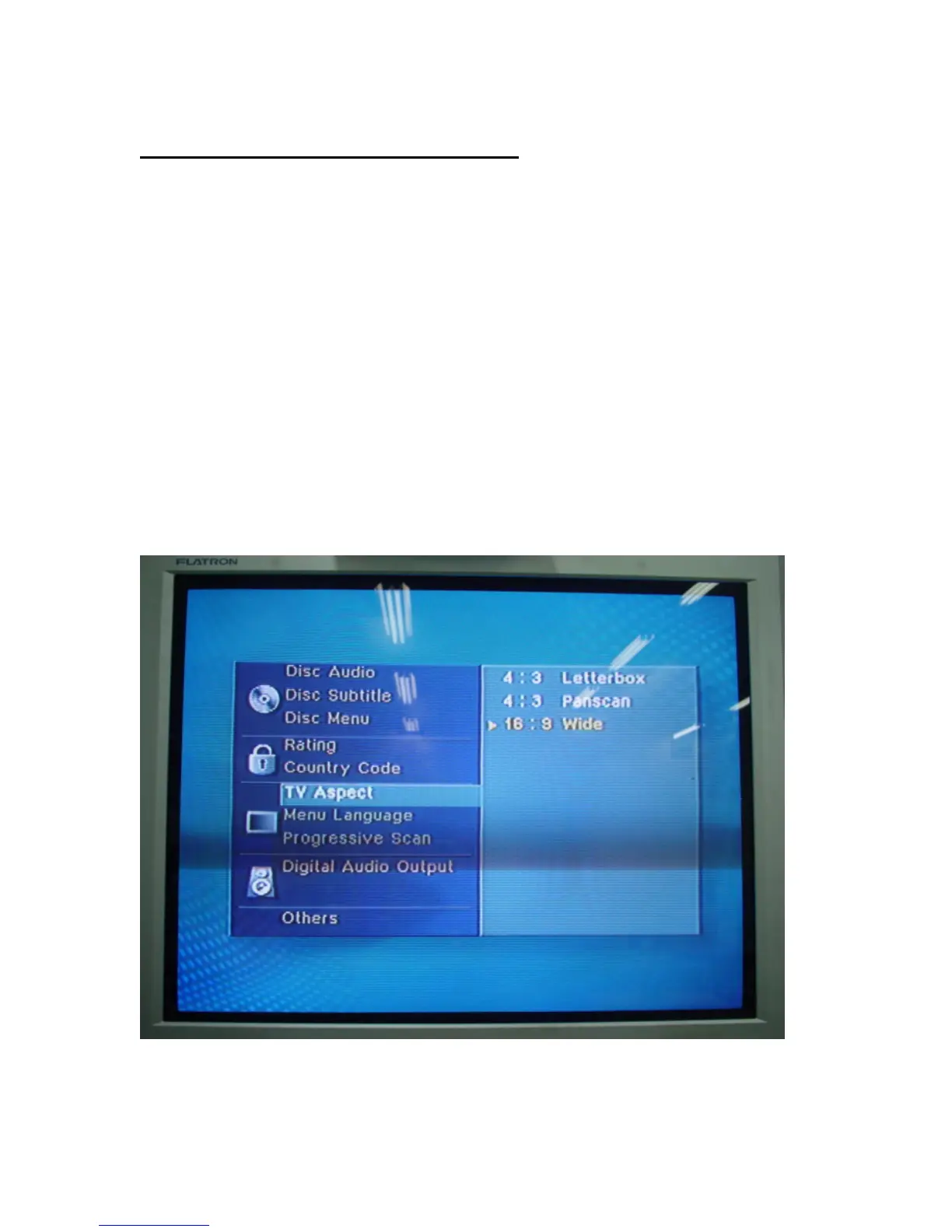
1) Press SETUP button on the remote control
2) Press ▼ to select TV ASPECT
3) Press ► to select 16:9 Wide
4) Press ENTER
5) Press the number key 1, 3, 9, 7, 1, 3, 9
6) Press ENTER
__________________________________________________________________



 To Next Page