Additional Onis 200 handset
6
English
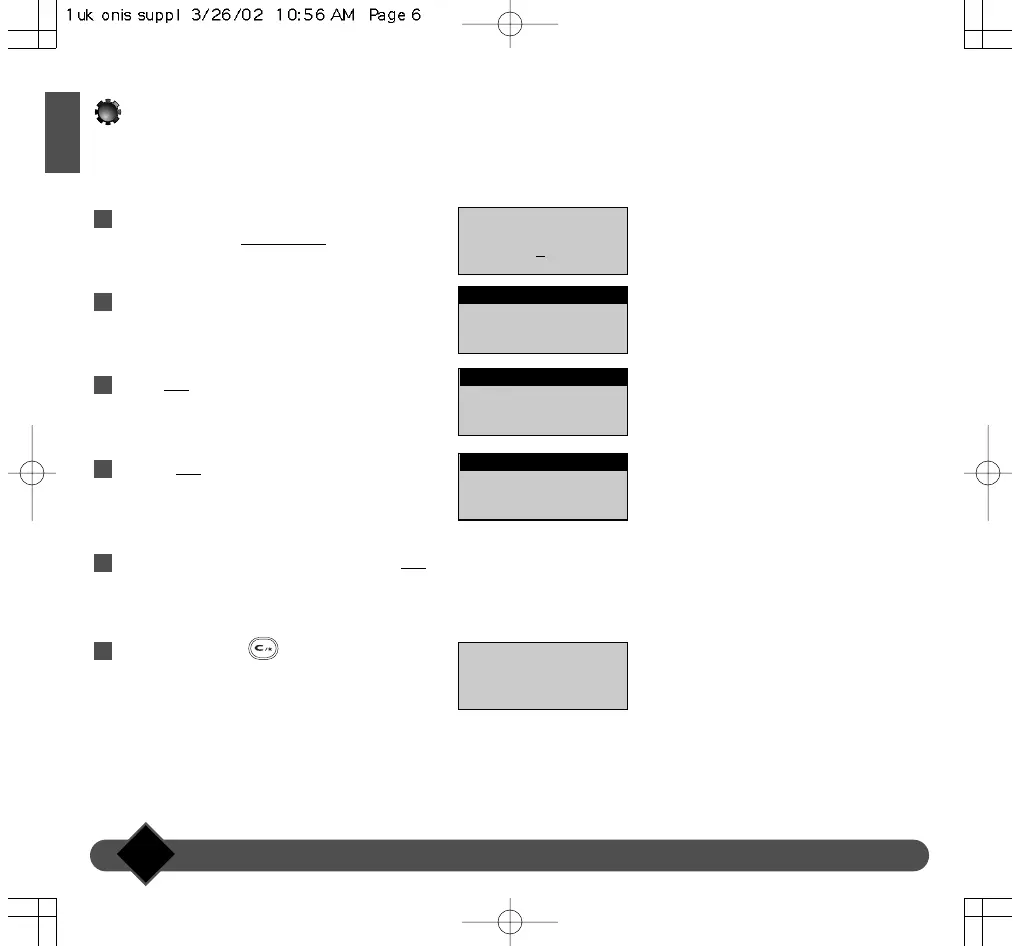
On the idle screen, scroll through the list of
menus and select |SETTINGS.
Scroll to “Handset settings”.
Select OK
|.
Choose OK| to select the “Language” option.
Scroll to the language you want and select OK
|.
Press and hold the key to return to the
idle screen.
6
5
4
3
2
1
Handset settings
BACK OK
SETTINGS
17 FEB 11:48
Philips 1
SETTINGS
▼
Language
BACK OK
Handset settings
√ English
BACK OK
Language
Set !
Changing the handset language



 To Next Page