18 EN
Connect additional equipment
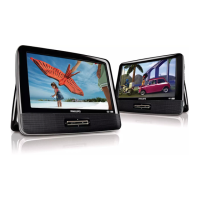
Connect the dual DVD players
Caution
• Turn off the players before you connect the dual DVD players.
You can view the same content on dual screens by connecting the dual DVD
players together.
To view the same display on both DVD players,
1 On one player: Slide the DVD/AV IN switch to DVD, and then inset a disc.
2 On the other player: Slide the DVD/AV IN switch to AV IN.
3 Connect the supplied AV cable to the AV OUT jacks of each DVD player.
PD7016_9016P_37_UM_V1.0_MTK.indb 18 3/11/2013 5:05:29 PM





 To Next Page
