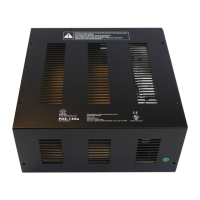
PDS-150e Product Guide 11
E You can download QuickPlay Pro from
www.colorkinetics.com/support/addressing/
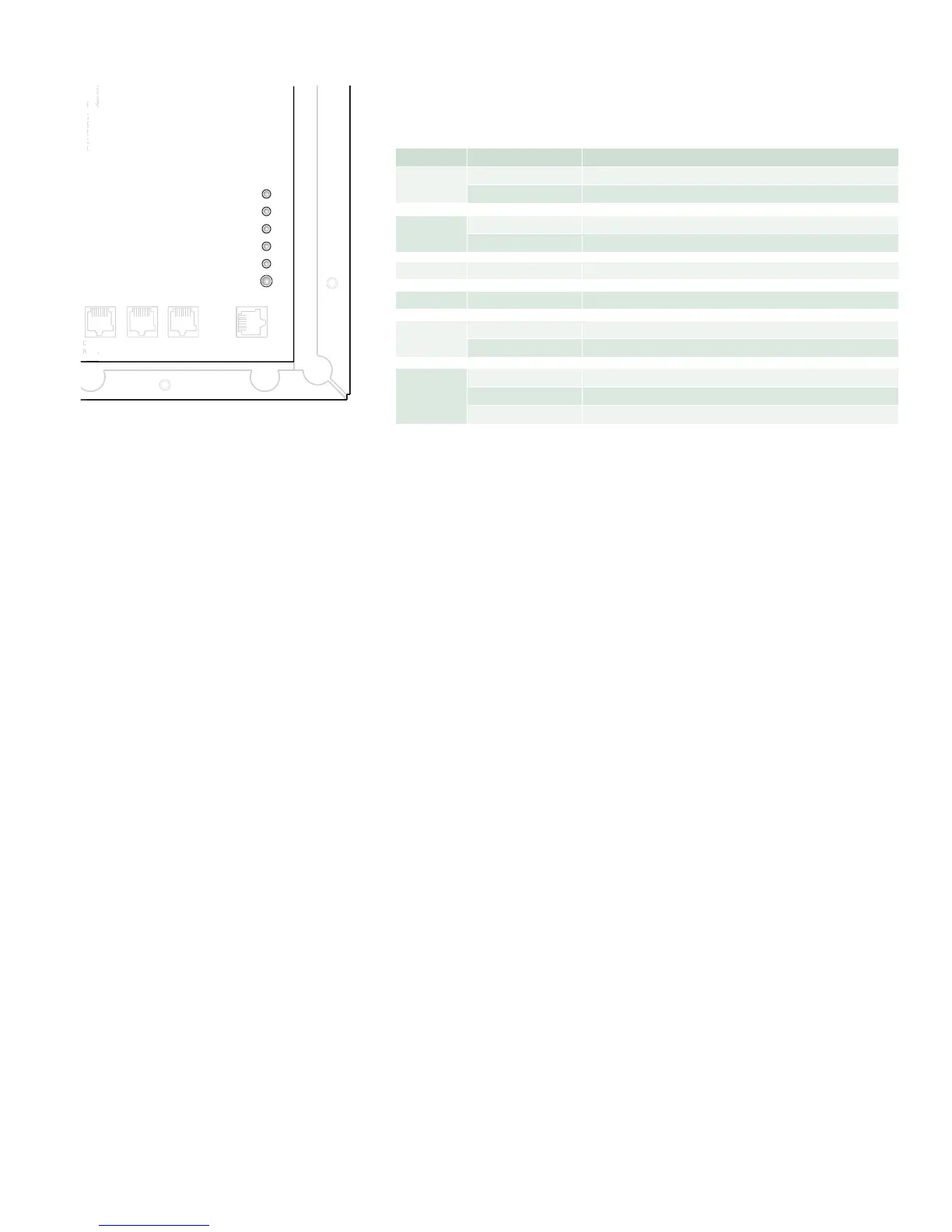
Interpreting PDS-150e Status Indicators
Indicatorsontherightsideofthecircuitboardprovidefeedbackaboutthestatusof
thepower/datasupply.
Indicator Mode Meaning
PowerStatus
White +24VACofpowerispresentonthecircuitboard
Off +24VACofpowerisnotpresentonthecircuitboard
DataStatus
Blue ValidEthernetdataisbeingreceived
Off ValidEthernetdataisnotbeingreceived
EthernetTx Blue LongblinkforeveryEthernetpackettransmitted
EthernetRx Blue LongblinkforeveryEthernetpacketreceived
Fault
Indicator
Off Noproblems
Red Indicatesashortcircuit,eitheronthefixtureorthecircuitboard
Output
Indicator
Off Nooutput
Green Illuminateswhendevicesendsa1tofixtures*
Red Illuminateswhendevicesendsa0tofixtures*
Status Indicators
Conguring PDS-150e
with QuickPlay Pro
(Optional)
YoucanconfigurePDS-150edevicesandaddressfixturesusingPhilipsColorKinetics
QuickPlayProsoftware.WithEthernetinstallations,youcanautomaticallydiscover
allofyourPDS-150edevicesbyusingQuickPlayProonaMacorPCconnected
toyournetwork.WithDMXinstallations,youcanuseQuickPlayProtocongure
fixtureaddressesbyconnectingdirectlytoyourdevice’sDMXINportusing
SmartJackProoriPlayer3.
YoumaychangeanumberofPDS-150esettingswithQuickPlayProconnectedover
anEthernetnetwork,includingdevicename,IPaddress,andDMXuniverse.Youmay
alsoaddressthedevice’sassociatedxtures.
FordetailsonhowtoaddressxturesandcongureaPDS-150e,seetheAddressing
and Conguration Guide.
* Whensendingdata,theoutputindicatorlightappearsasasolidorange,asbothgreenandredflash
rapidly.
E For details on addressing and standard
QuickPlay Pro software options for PDS-
150e devices, refer to the Addressingand
CongurationGuide, which you can view
or download from www.colorkinetics.com/
support/addressing/
Power
Data
Eth Tx
Eth Rx
Fault
Output
Com
Data
24V
Com
Data
24V
Com
Data
24V
Com
Data
24V
Com
Data
24V
DMX OUT
REPEATER
DMX
LOOP OUT
DMX IN
ETHERNET
Com D- D+ 24V
Com
Aux Output
150W Power Supply
CAUTION: Ther
e is one fuse per two terminal blocks
denoted as Groups A, B, C,
Ther
efore, the maximum number of lights on
an
y one group must be limited per
PDS 150 Installation Instruction.
Group AGroup BGroup C
Com
Data
24V
CAUTION:There is one fuse pertwo terminalblocks
PE


 To Next Page
 Loading...