Frequently
asked questions
No signal bar is displayed on the screen.
• The handset is out of range. Move it closer to the
base station.
• If the handset displays [UNREGISTERED],
register your handset.
If I fail to pair (register) the additional handsets to
the base station, what do I do?
Your base memory is full. Access >
[SERVICES] > [UNREGISTER] to unregister
the unused handsets and try again.
My handset is in searching status, what do I do?
• Make sure that the base station has power supply.
• Register the handset to the base station.
• Move the handset closer to the base station.
I cannot change the settings of my voice mail, what
do I do?
The voice mail service is managed by your service
provider but not the phone itself. Contact your
service provider to change the settings.
No display
• Make sure the batteries are charged.
• Make sure there are power and phone connections.
The handset on the charger does not charge.
• Make sure the batteries are inserted correctly.
• Make sure the handset is placed properly on the
charger. The battery icon animates when charging.
• Make sure the docking tone setting is turned on.
When the handset is placed correctly on the
charger, you can hear a docking tone.
• The charging contacts are dirty. Disconnect the power
supply rst and clean the contacts with a damp cloth.
• Purchase new ones with the same specications.
Bad audio (crackles, echo, etc.)
• The handset is nearly out of range. Move it closer
to the base station.
• The phone receives interference from the nearby
electrical appliances. Move the base station away
from them.
• The phone is at a location with thick walls. Move
the base away from them.
The handset does not ring.
Make sure the handset ringtone is turned on.
The caller ID does not display.
• The service is not activated. Check with your
service provider.
• The caller’s information is withheld or unavailable.
Technical data
Battery
• Philips: 2 x AAA NiMH 1.2 V Rechargeable
550 mAh batteries
Use only the supplied batteries.
Adapter
Base and charger:
Philips: S003IB0600040 SSW-1920UK-2
Input: 100-240 V
50/60 Hz 0.15 A
100-240 V
50/60 Hz 0.2 A
Output: 6 V 400 mA 6 V 500 mA
Phonebook with 50 entries
Call log with 20 entries
Talk time: 16 hours
Standby time: 250 hours
Note
• You can install a DSL (digital subscriber line) lter to
prevent noise and caller ID problems caused by the
DSL interference.
• You can nd the Declaration of Conformity on
www.p4c.philips.com.
4
Enjoy
Phonebook
Add record
1 Press .
2 Select [PHONEBOOK] > [ADD NEW].
3 Follow on-screen instructions.
Call from the phonebook
1 Press .
2 Select a record and press .
Direct access memory
You have 2 direct access memories (Keys 1 and 2).
To dial the saved phone number automatically, press
and hold on the keys in standby mode.
Depending on your country, keys 1 and 2 are preset
to [1_VOICEMAIL] (voice mail number) and [2_
INFO SVC] (information service number) of your
network operator respectively (network dependent).
Call log
Call from the call log
1 Press .
2 Select a record and press .
Add record
1 Press > > [SAVE NUMBER].
2 Follow on-screen instructions.
Delete record
1 Press > > [DELETE].
2 Follow on-screen instructions.
Redial list
Call from the redial list
1 Press .
2 Select a record and press .
Add record
1 Press > > [SAVE NUMBER].
2 Follow on-screen instructions.
Delete record
1 Press > > [DELETE].
2 Follow on-screen instructions.
Register additional handsets
You can register additional handsets to the base
station.
1 Press and hold on the base station for 5 seconds.
2 Press .
3 Select [SERVICES] > [REGISTER], then press
to conrm.
4 Enter the system PIN/passcode (0000).
5 Press to conrm the PIN/passcode.
»
Registration is completed in less than 2 minutes.
Restore default settings
You can reset your phone settings to the original
factory settings.
1 Press .
2 Select [SERVICES] > [RESET], then press
to conrm.
3 Follow on-screen instructions.
Note
• You may recall the original PIN/passcode by
following this procedure.
3
Get started
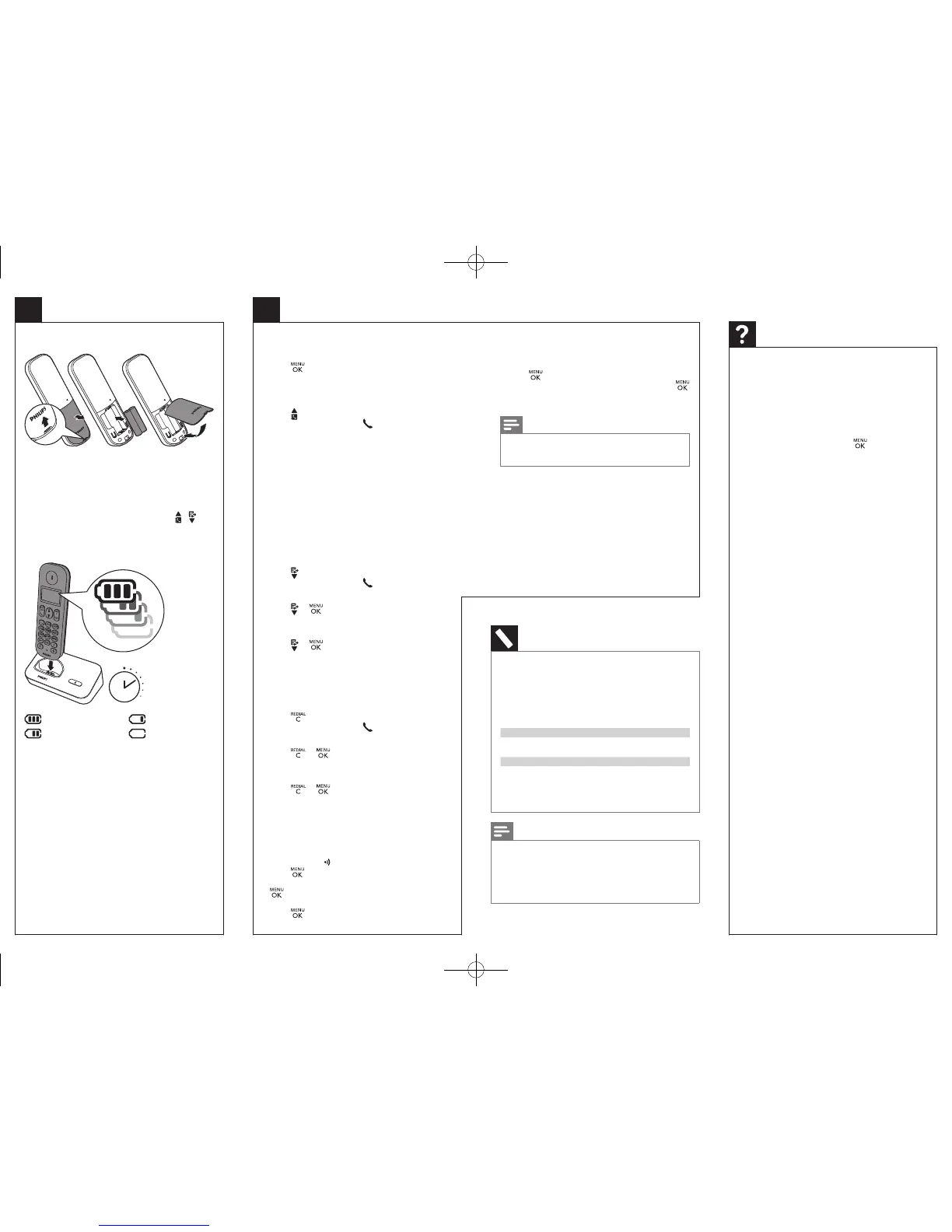
Insert batteries
Congure your phone
1 When using your phone for the rst time, you see
a welcome message (country dependent).
2 Set the country and language if prompted.
3 Set the date and time.
• If the time is in 12-hour format, press / key
to select [AM] or [PM] (country dependent).
Charge your phone
Charge 8 hours
> 70%
40% - 70%
10% - 40%
< 10%
Flashing: low battery
Scrolling: charging in progress
QSG_D150_90_EN_wk1305.indd 2 1/30/2013 4:23:10 PM



 To Previous Page
 Loading...








