20
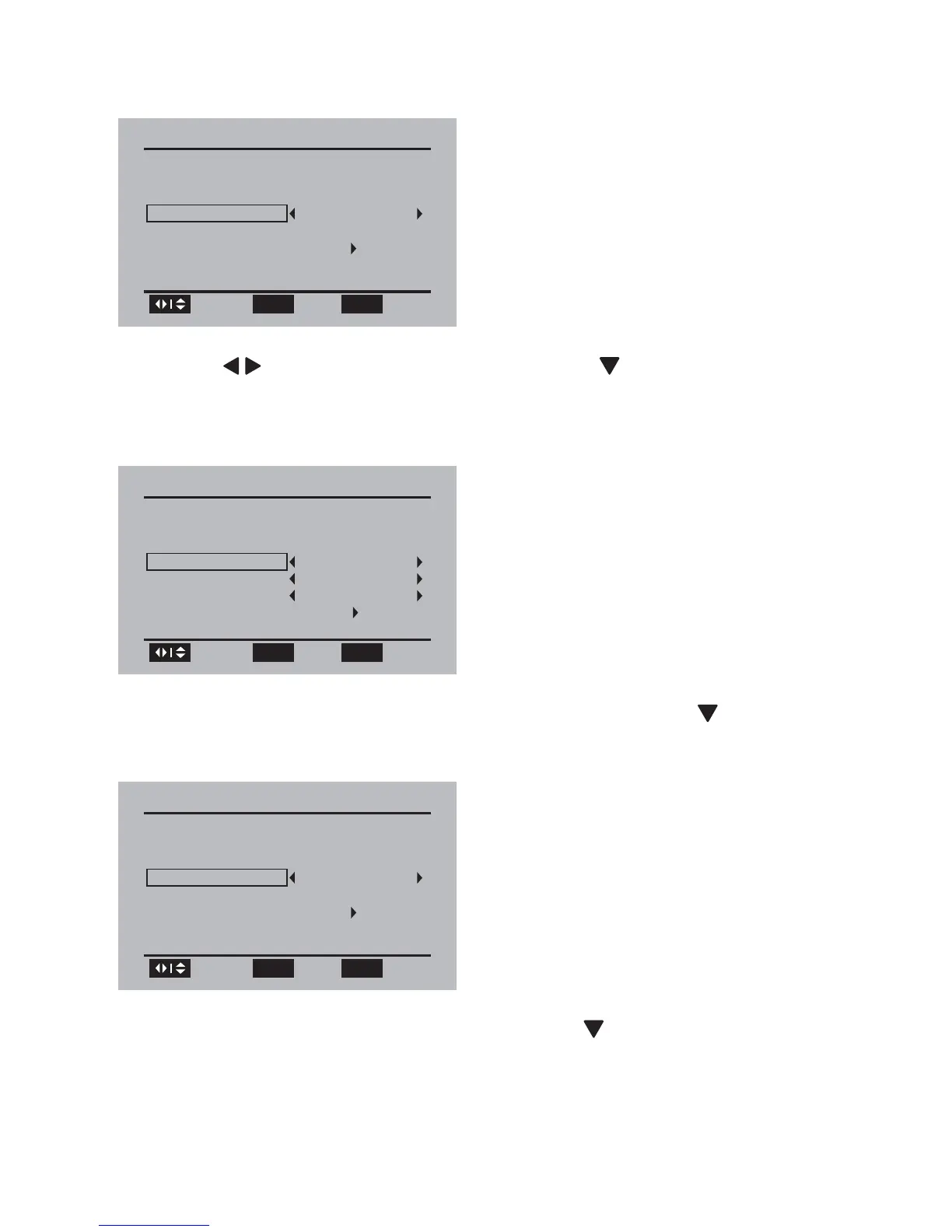
You are prompted to select the menu language.»
2 Press / to select your language, then press to select [Go to
next step :] and press OK to confi rm.
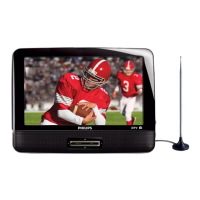
You are prompted to select the time zone and daylight saving time.»
3 Select the time zone, DST and timer format, then press to select
[Go to next step :] and press OK to confi rm.
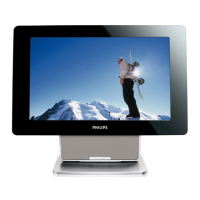
4 Select the antenna type as [Air] , then press to select [Go to next
step :] and press OK to confi rm.
First Time Installation
Please select your prefer language :
Menu Language
Go to next step :
English
Browse
Select
OK OPTIONS
Exit
First Time Installation
Select the time zone & Daylight saving time
Time Zone
Hawaii
DST
Off
Time Format
12-hour
Go to next step :
Browse
Select
OK OPTIONS
Exit
First Time Installation
Please connect the product to air antenna
Air/Cable
Go to next step :
Cable
Browse
Select
OK OPTIONS
Exit
EN


 To Next Page