23
5 Listen to radio
Note
Before you start, ensure that you have connected the supplied antenna to the player. •
1 Slide the POWER ON/OFF switch to the ON position.
2 Press DTV/FM to enter the FM mode.
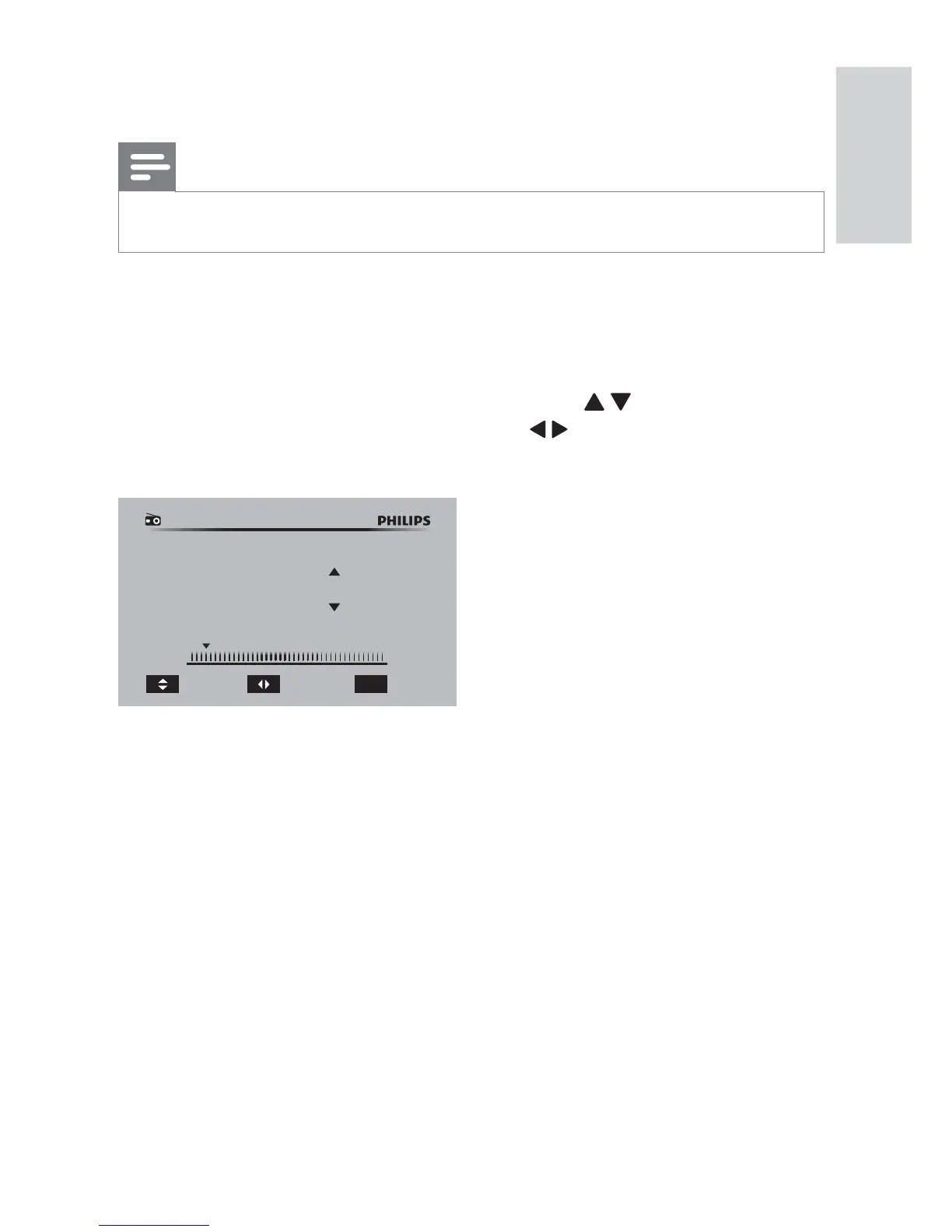
3 Tune to your desired radio station.
To perform an auto scan, press • OK .
To select a preset radio channel, press •
/ .
To perform a manual scan, press •
/ repeatedly until you fi nd
optimal reception.
87MHz 108MHz
87.0 MHz Ch: 0/0
Channel
Manual Scan
OK
Auto Scan
English
EN


 To Next Page