EasyManua.ls Logo

Philips R7606 - User Manual

Philips R7606
12 pages
Print Icon
To Next Page IconTo Next Page
Loading...
Register your product and get support at
www.philips.com/support
User manual
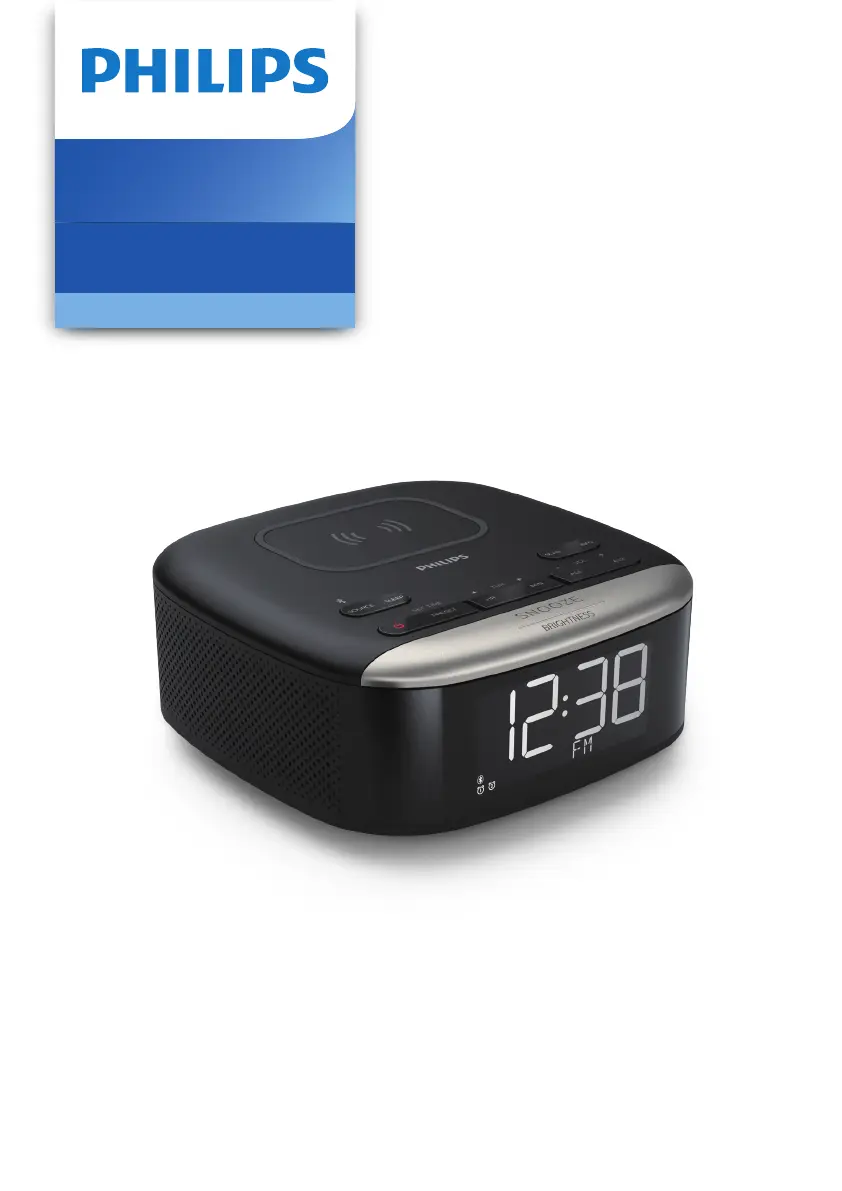
Clock Radio
7000 Series
R7606

Questions and Answers

  • D
    Donna HuangSep 5, 2025
    Why I can’t find the Bluetooth name of Philips Speaker System on my Bluetooth device?
    • C
      claire73Sep 5, 2025
      If you can't find the Bluetooth name of the unit on your device, ensure that the Bluetooth function is activated on your Bluetooth device. You may also need to re-pair the unit with your Bluetooth device.
  • S
    smithamandaSep 5, 2025
    What to do if the subwoofer is idle or the indicator of subwoofer does not light up on my Philips Speaker System?
    • J
      Jennifer RyanSep 5, 2025
      To reset the subwoofer, unplug the power cord from the mains for a few minutes.
  • T
    Tracy DennisSep 6, 2025
    How to troubleshoot a Philips Clock Radio with no power?
    • J
      Jessica HardySep 6, 2025
      If your Philips Clock Radio isn't turning on, ensure the AC power plug is correctly connected. Also, verify that the AC outlet has power.
  • V
    Vincent ThorntonSep 6, 2025
    What to do if my Philips Clock Radio is not responding?
    • W
      Wendy ReidSep 6, 2025
      If your Philips Clock Radio isn't responding, disconnect the AC power plug and then reconnect it. After that, try turning the unit on again.
  • E
    Eric SimsSep 7, 2025
    Why does my Philips Clock Radio keep losing its clock/alarm settings?
    • M
      matthew53Sep 7, 2025
      If the clock or alarm setting on your Philips Clock Radio is erased, reset the clock and alarm. This issue can occur if the power has been interrupted or the power plug has been disconnected. You may also need to replace the backup batteries.
  • I
    imoodySep 7, 2025
    How to fix poor Bluetooth audio quality on Philips Clock Radio?
    • D
      David CamposSep 7, 2025
      To improve poor audio quality via Bluetooth on your Philips Clock Radio: * Move your Bluetooth device closer to the clock radio, or remove any obstacles between them. * Ensure that the Bluetooth function is enabled on your device. * Disconnect other Bluetooth devices that may be connected to the clock radio.

Philips R7606 Specifications

General IconGeneral
Charging Time1 hour
Wet & DryYes
Cordless UseYes
WaterproofYes
TypeRotary
Battery TypeLithium-ion
Usage Time60 minutes
DisplayYes
Cleaning SystemFully washable
Quick ChargeYes

Related product manuals