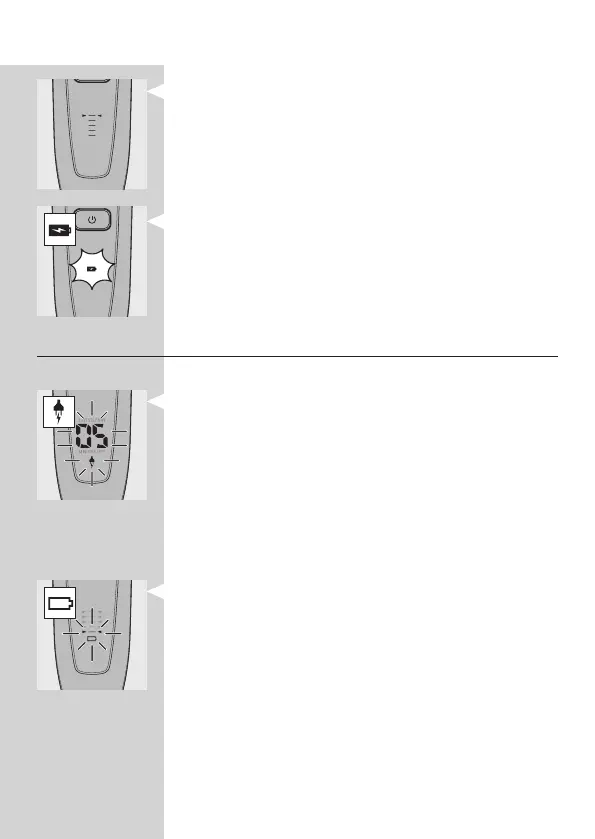
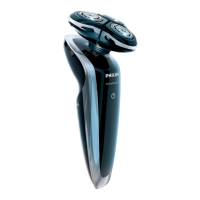
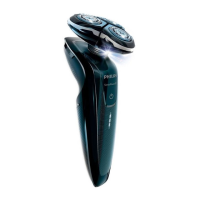
- When you remove the shaver from the Power
Pod or the charger, the arrowheads of the top
charge level light up blue to indicate that the
battery is full.
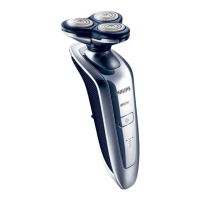
RQ1052/RQ1050
- When the battery is fully charged, the battery
symbol lights up blue continuously.
Battery low
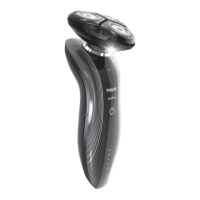
RQ1090
- When the battery is almost empty (when there
are only 5 or fewer shaving minutes left), the
minutes indication and the plug symbol start to
ash.
- When you switch off the shaver, the shaving
minutes and the plug symbol continue to ash for
a few more seconds. You hear a beep when there
are no minutes left.
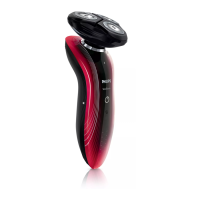
RQ1062/RQ1060
- When the battery is almost empty (when there
are only 5 or fewer shaving minutes left), the
battery symbol ashes red and the arrowheads of
the bottom charge level ash blue.
- When you switch off the shaver, the battery
symbol and the arrowheads of the bottom charge
level continue to ash for a few seconds.
ENGLISH10


 To Next Page