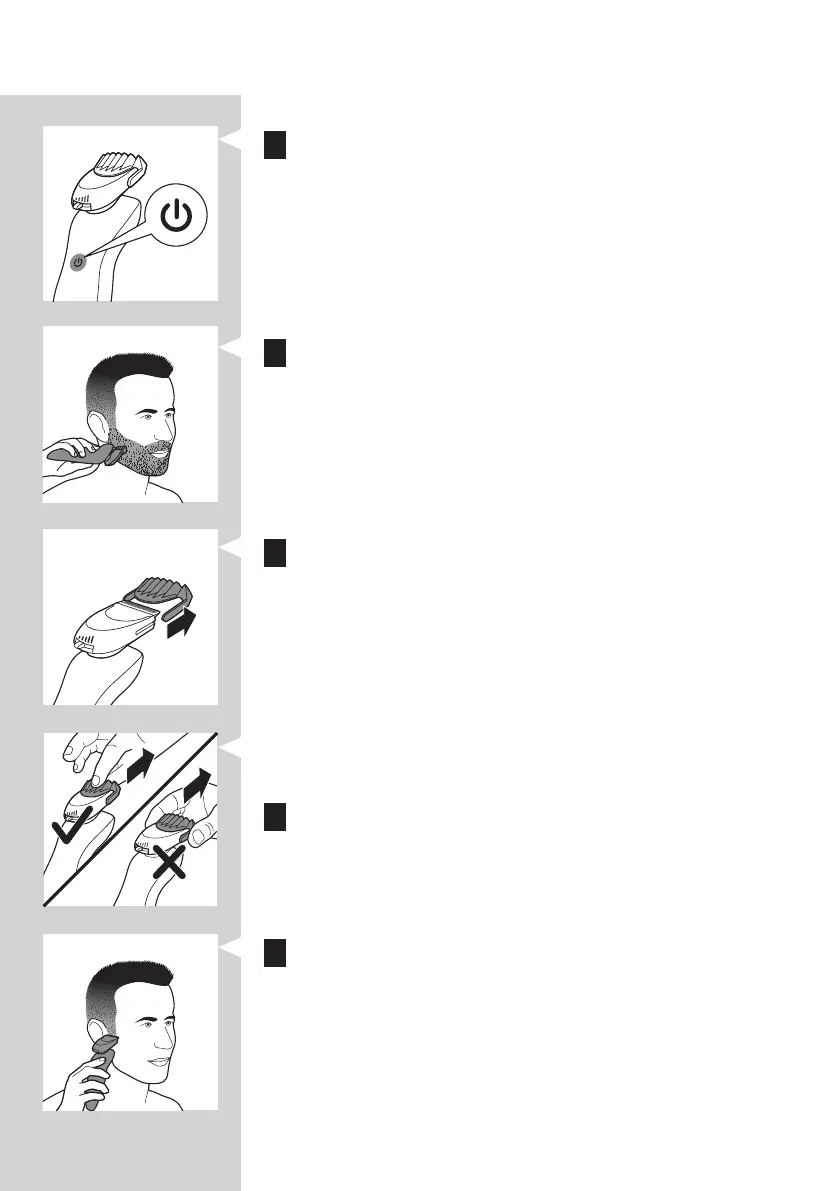
3 Press the on/off button on the shaver to switch it on.
4 You can now start styling your beard.
Using the Beard Styler attachment without comb
to trim and contour your beard, moustache or sideburns.
1 Pull the comb off the Beard Styler attachment.
Note: Grab the comb in the centre to pull it off the Beard Styler
attachment. Do not pull at the sides of the comb.
2 Press the on/off button to switch on the shaver.
3 You can now start to trim and contour your beard,
moustache, sideburns or neckline.
Beard styles
create.
ENGLISH50



 To Next Page