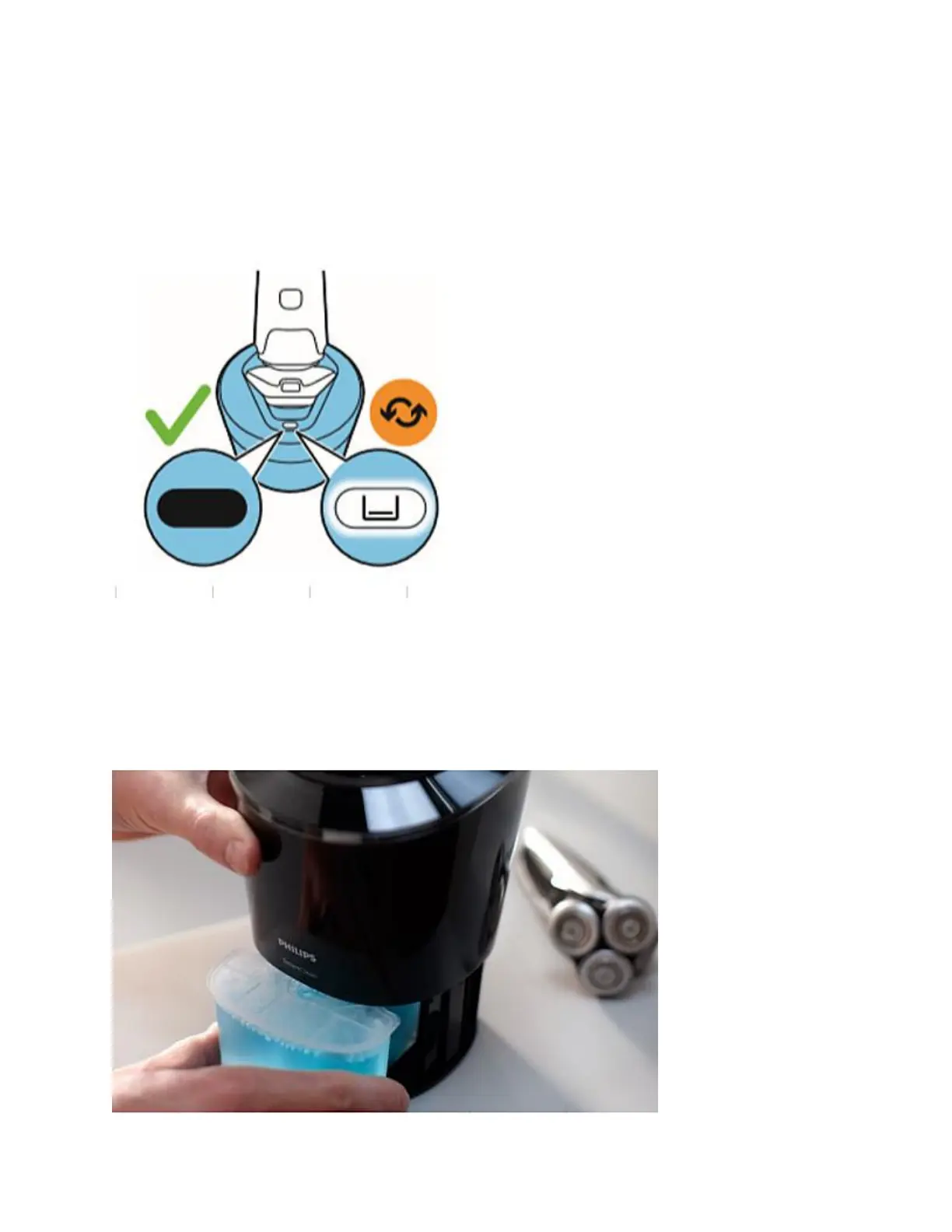
The Philips Cleaning cartridge comes with a special cleaning fluid designed for this device.
Please do not try to refill the cartridge with a different kind of cleaning solution. This can
damage your device.
To buy the replacement cartridges for your Philips Cleaning system, visit our online shop.
How to replace the cleaning cartridge in Smart Clean System
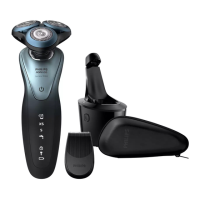
To replace the Philips SmartClean cartridges, please follow the simple steps below:
1. Pull out the little compartment at the bottom of the SmartClean system.
2. Take the SmartClean cartridge out and discard it.
3. Get a new cartridge, peel its cover open from the top and place it back in the slot.
Your SmartClean system should now be ready to use with your Philips Shaver.





 To Next Page