33EN
11 Update the
firmware
through Philips
Songbird
VIBE is controlled by an internal program called
have been released after you have purchased
VIBE.
Through Philips Songbird, you can check for
VIBE over the
Internet.
Tip
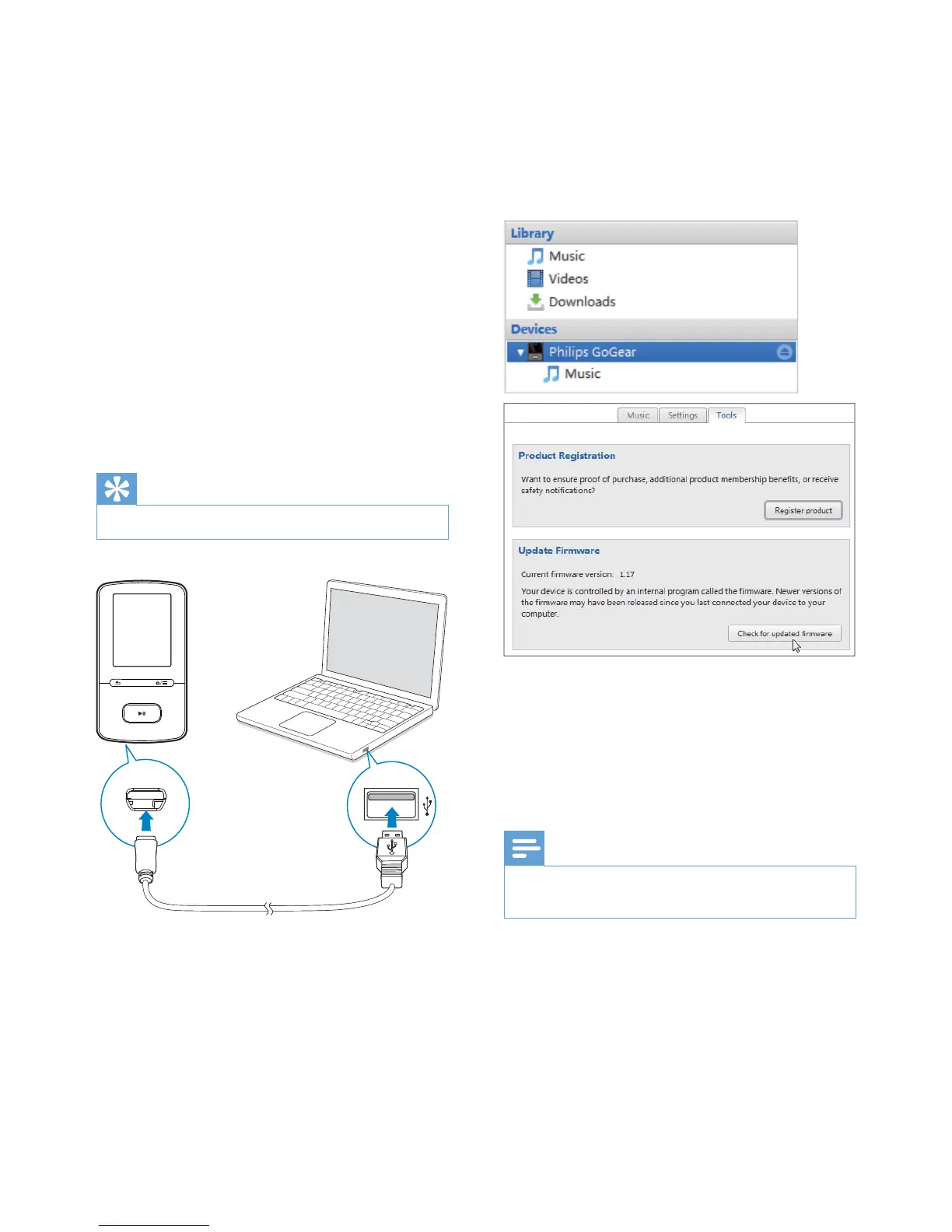
1 Make sure that you have connected your
PCto the Internet.
2 Connect VIBE to the PC by using the USB
cable.
3 On the PC, launch Philips Songbird.
If necessary, click Start > Programs >
Philips > Philips Songbird.
4 Click VIBE in the Player pane. Then, select
Tools > in
the pop up window.
» Philips Songbird checks for updates
Internet, if available.
5 Follow the onscreen instructions.
» Downloading and installation of
» The VIBE
updated and is ready for use again.
Note
Wait until the update is completed, then disconnect the
VIBE from the computer.












 To Next Page