9EN
Activate/deactivate alarm timer
1 Press AL1/AL2 to view alarm settings.
2 Press AL1/AL2 again to activate or
deactivate the alarm timer.
» The alarm icon appears if alarm timer
is on and disappears if it is off.
• To stop the ringing alarm, press the
corresponding AL1/AL2.
» The alarm repeats ringing for the next
day.
Snooze alarm
When alarm sounds, press SNOOZE.
» The alarm snoozes and repeats ringing nine
minutes later.
Set the sleep timer
This product can switch to standby mode
automatically after a preset period.
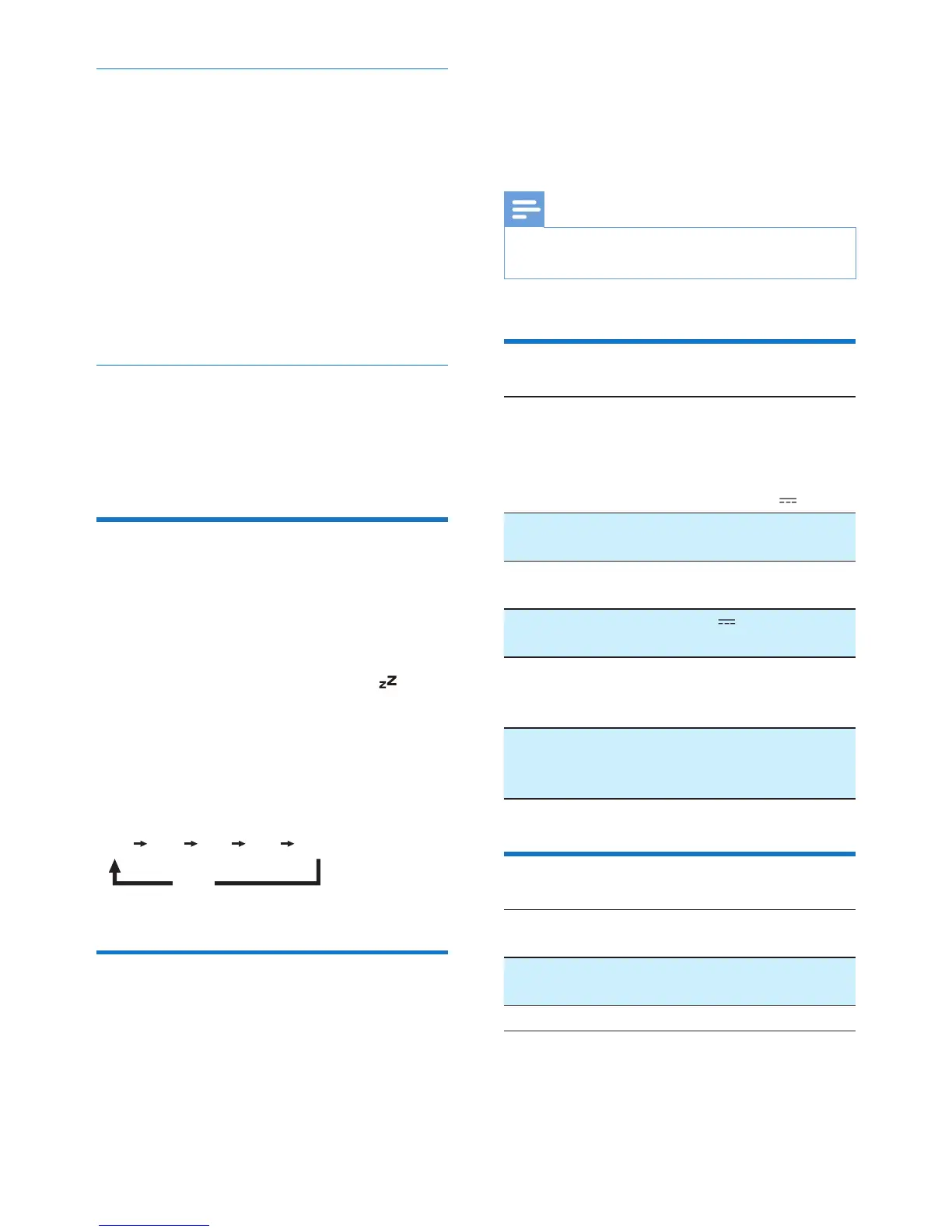
Press SLEEP repeatedly to select the sleep
timer period (in minutes).
» When the sleep timer is activated,
appears.
To deactivate the sleep timer
Press SLEEP repeatedly until [OFF] (off)
appears.
Adjust display brightness
Press BRIGHTNESS repeatedly to select
different brightness levels.
15 30 60 90 120
OFF
9 Product
information
Note
• Product information is subject to change without prior
notice.
General information
AC Power Model: AS100-050-
AA200
Input:100-240V~,
50/60 Hz, 0.5 A
Output:5V 2.0 A
Operation Power
Consumption
< 15 W
Standby Power
Consumption
< 1 W
Max. load of USB
output
5V 1.6 A
Dimensions
- Main Unit
(W x H x D)
137 x 62 x 141 mm
Weight
- With Packing
- Main Unit
0.87 kg
0.53 kg
Bluetooth
Bluetooth
specication
V2.1
Supportedproles A2DPV1.0,AVRCP
V1.0
Range 10 m (Free space)


 To Next Page