7 EN
4 Play
Play from Micro SD card
Note
•
Make sure that the Micro SD card contains playable
audio content.
1 Press S repeatedly to select the Micro SD
card source.
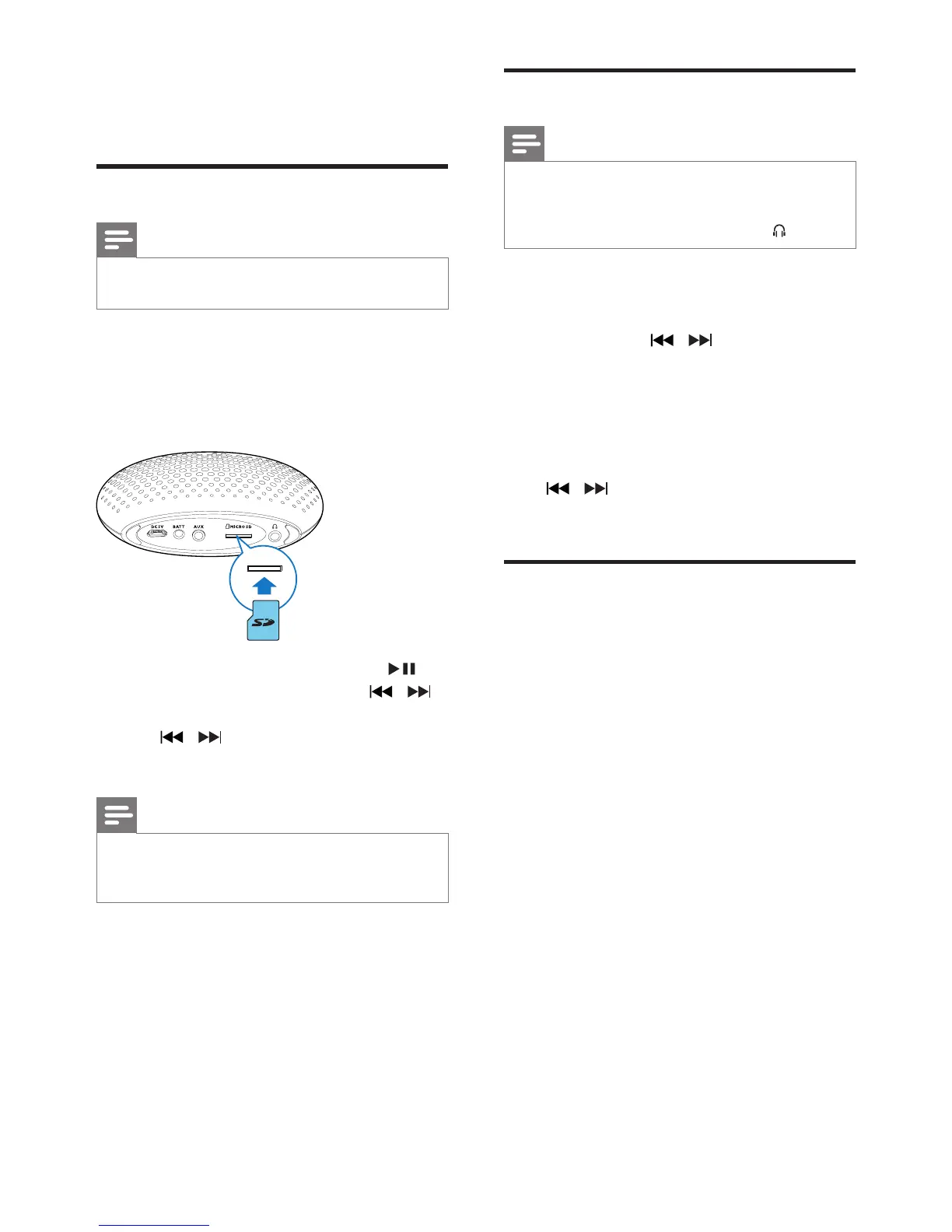
2 Insert a Micro SD card into the card slot.
» Play starts automatically.
• To pause or resume play, press .
• Toselectanaudiole,press
/ .
• To search during play, press and hold
/ , then release to resume
normal play.
Note
•
Due to different materials and product techniques, it
cannot be guaranteed that all Micro SD cards will work
with this speaker.
Listen to FM radio
Note
•
Keep the portable speaker away from other electronic
devices to avoid radio interference.
• For better radio reception, plug the supplied antenna
into the AUX socket or listen through the
socket.
1 Press S repeatedly to select FM tuner
source.
2 Press and hold / for two seconds.
» The speaker tunes to a station with
strong reception automatically.
3 Repeat step 2 to tune to more radio
stations.
To tune to a station with weak signal:
Press
/ repeatedlyuntilyoundbetter
reception.
Play from an external device
With this speaker, you can also enjoy audio
from an external device.
1 Connect an Aux-in cable (not supplied) to:
• the AUX socket at the back of the
speaker.
• the headphone socket on an external
device.
2 Play audio on the device.



 To Next Page