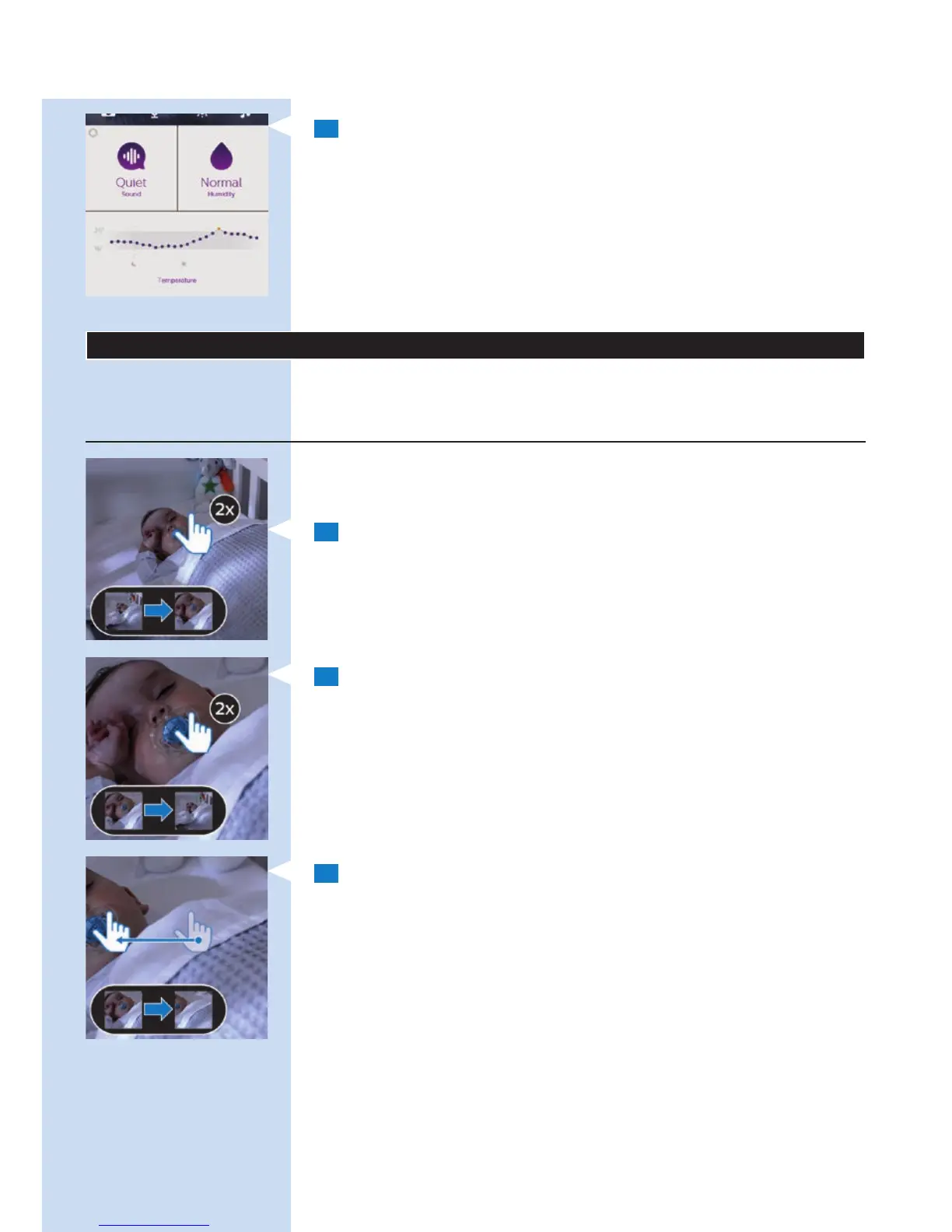
2 When you have pulled the line up, the dashboard in the bottom tray
is fully visible.
On the dashboard you have a number of notication options:
1 Sound
2 Temperature
3 Humidity
Note: For more information about the notication options on the dashboard,
see section ‘Notication options’ in chapter ‘Viewing, hearing and monitoring
your baby’ in this user manual.
Viewing, hearing and monitoring your baby
You can watch, hear and monitor your baby on your smartphone or tablet.
You can also comfort your child by talking to it.
Viewing your baby
Zooming and panning
Note: This feature is only available in portrait viewing mode.
1 When in full screen mode, double tap or pinch outwards to zoom in.
2 Double tap or pinch inwards to zoom out.
3 Drag to pan through a zoomed-in image.
ENGLISH12








 To Next Page