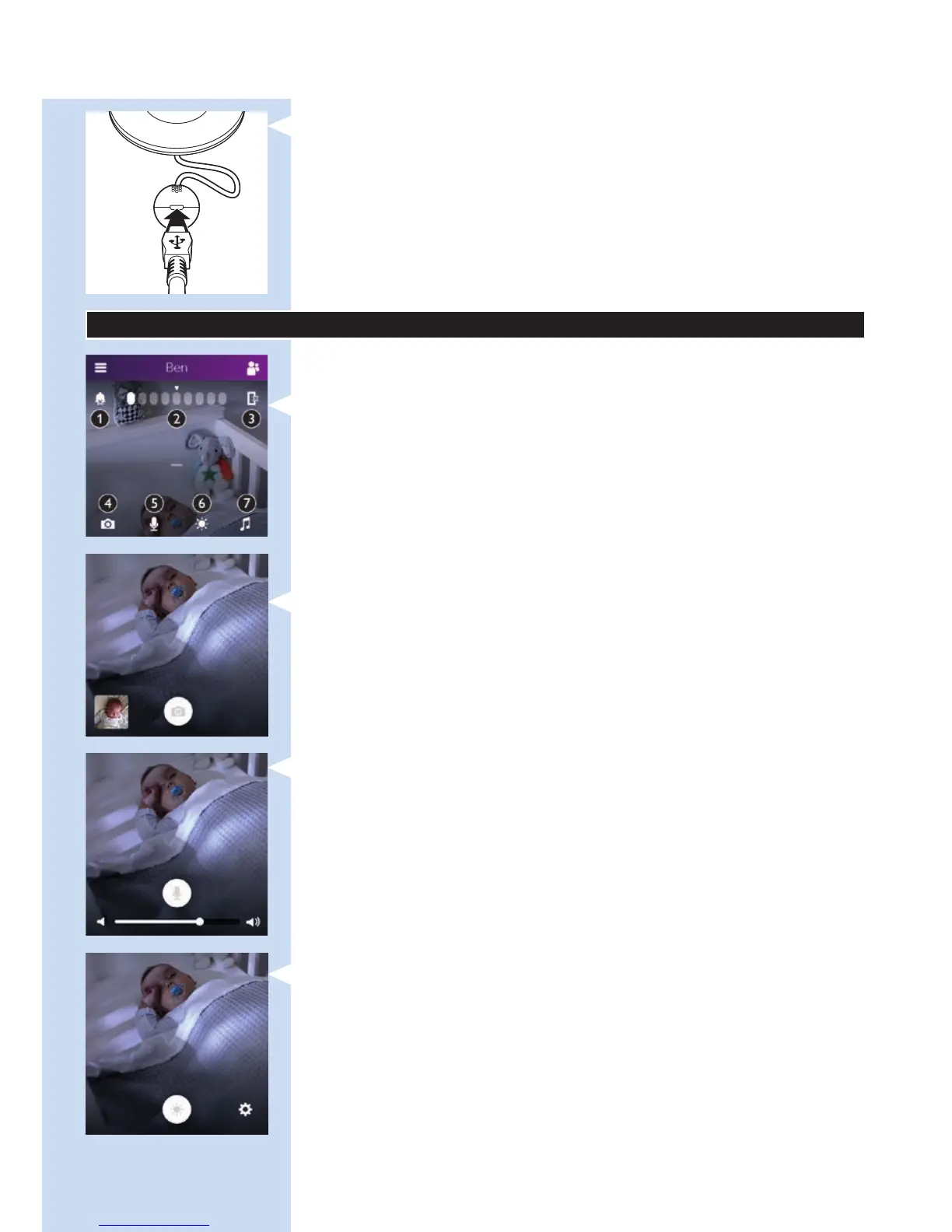
8 Insert the appliance plug into the appliance plug socket in the
temperature and humidity sensor unit and insert the adapter into
a wall socket. Now your baby monitor is ready for use.
Quick start guide
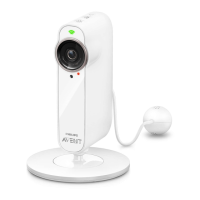
Main screen features
Top of screen:
1 All notications on/off
2 Sound level indication bar
3 Switch audio on/off
Bottom of screen:
4 Snap shot
5 Talk-back
6 Nightlight
7 Lullabies
Quick action buttons
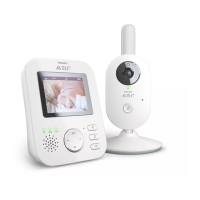
, Snap shot: tap this button to take a photo of your baby.
- When you take a photo of your baby, the photo will be stored in
the photo album on your smart device.
, Talk-back: tap this button to talk to your baby directly.
Options available:
- Talk back on or off
- Adjust talk-back volume
, Nightlight: tap this button to switch the nightlight on or off. Tap the
settings icon in the bottom right-hand corner to adjust the colour of
the nightlight or to set the nightlight timer. Options available:
- Nightlight on/off
- Set the nightlight timer or switch the nightlight on continuously
ENGLISH 9








 To Next Page