6 EN
3 Get started
To ensure the antenna to work properly, read
the user manual of your television before you
start. Set the television so that it receives the
signal from an ANTENNA instead of CABLE or
SATELLITE.
Installation
Determine the signal strength
Before Installation, determine the best location
for optimum reception. It is important for the
antenna to have an unobstructed path to the
transmitter. For best results, ensure the antenna
faces the location of the transmitter.
Note
Choose a location near a window which gives the •
antenna a clear view of the transmitter.
Note
Place the antenna away from the metal surface to •
avoid interference.
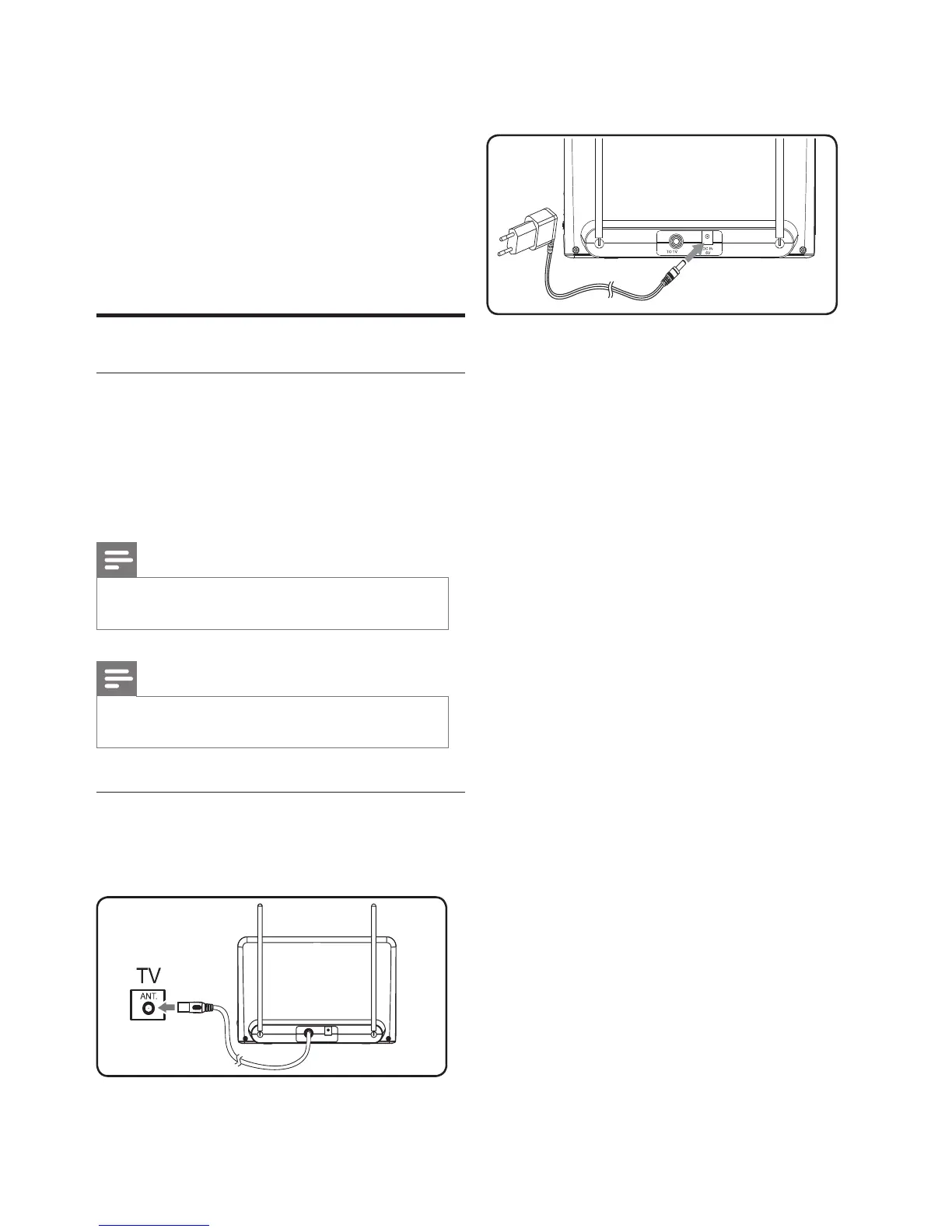
Connect to the TV
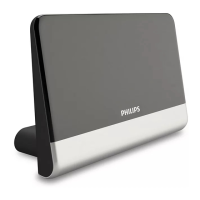
1 Connect the signal output on the antenna
to the TV.


 To Next Page