7
English
EN
Note
It is possible to move the gain control switch down •
for best reception.
For UHF reception
1
Turn the TV to the desired channel/
station.
2 To turn the amplier up, move the gain
control switch towards the max position.
Note
It is possible to move the gain control switch down •
for best reception.
Set up a digital tuner with this
antenna
You can install available channels with the digital
TV tuner. This automatic process is part of the
setup of the tuner. Ensure the antenna has
set up properly before the tuner can receive
viewable channels.
There are two ways to connect the antenna to
the TV:
Connect the antenna to a digital tuner. •
If the signal strength is good enough, the
channels can be memorized in the tuner
automatically .
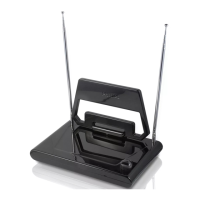
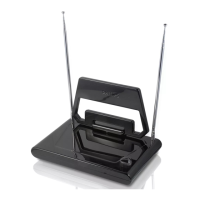
4 Set up SDV6222
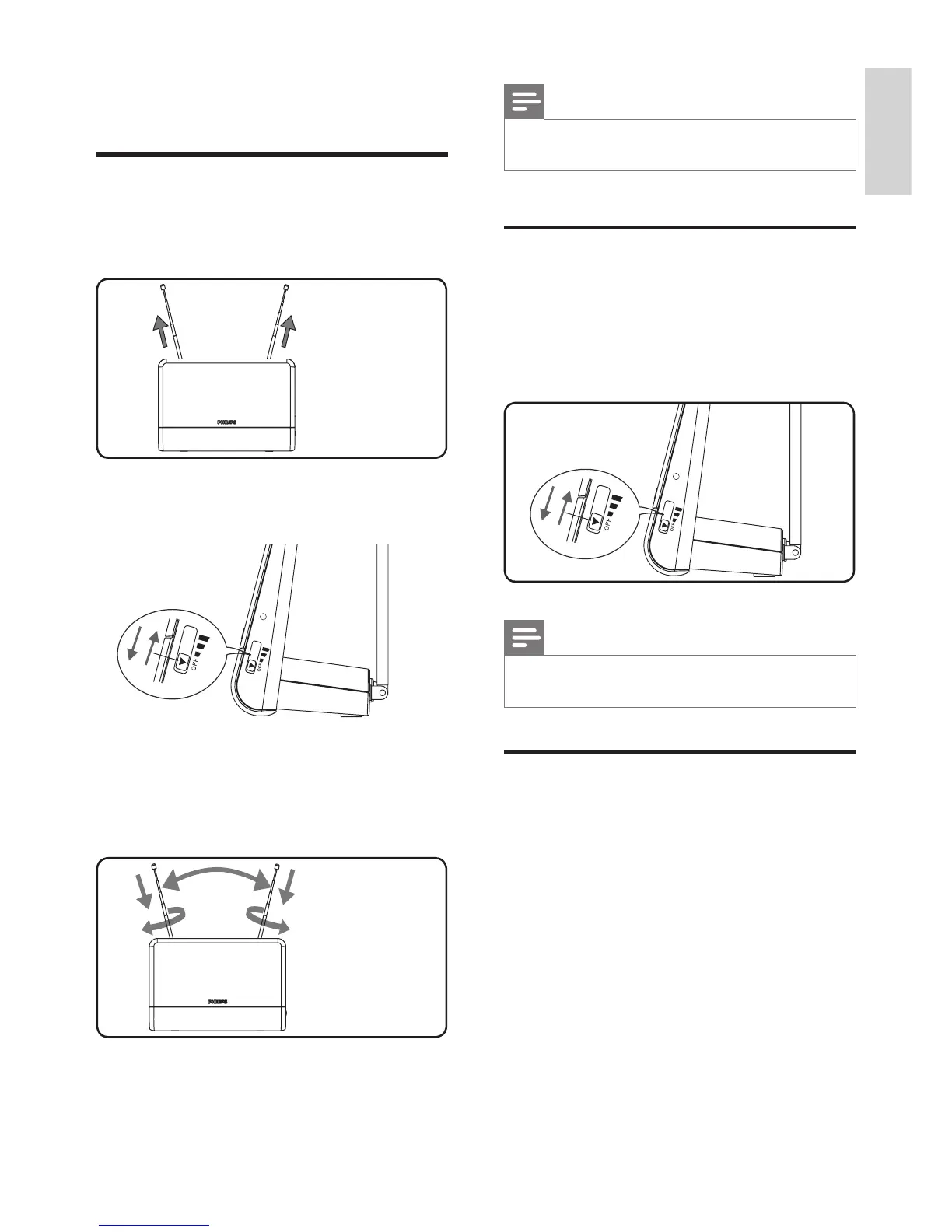
For VHF/FM reception
1
Extend the telescopic dipoles to the
longest possible length.
2 To turn the amplier up, move the gain
control switch towards the max position.
3 Turn the TV or FM radio to the desired
channel/station. Move the dipoles in
different directions up and down until the
reception is achieved.


 To Next Page