10
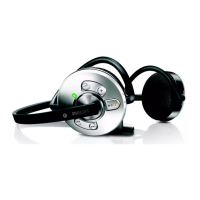
7 Using your Bluetooth
stereo headset
7.1 Connectingtoyourmobilephone
Turn on the headset by pressing
until the LED
lights up. Once turned on the headset will re-
connect automatically to the last device it was
connected with. If the last connected device is
not available the headset tries to reconnect to
the penultimate device that was connected to
the headset.
If you turn the mobile phone or its Bluetooth
feature on
after turning on the headset connect
the headset from your mobile phones Bluetooth
menu.
7.2 Automaticpowersaving
If your headset cannot find any Bluetooth device
to connect to in range within five minutes it will
automatically power down to save battery life.
7.3 Operatingyourheadset
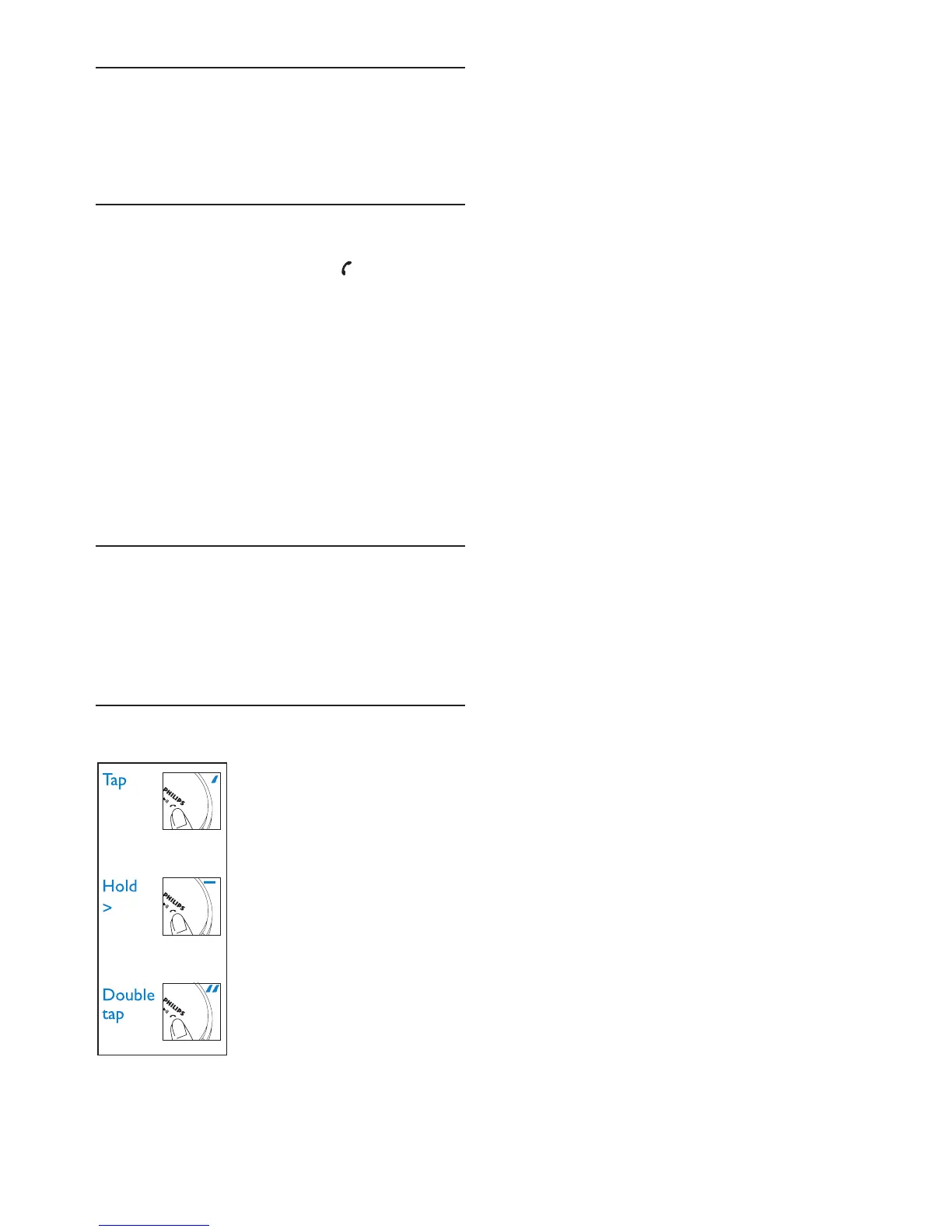
To control the headset you
tap, hold and double tap the
headsets buttons. A “tap”,
“hold” and “double tap”
differs in the duration and
speed of the button press.
1 sec



 To Next Page