6
EN
Installation
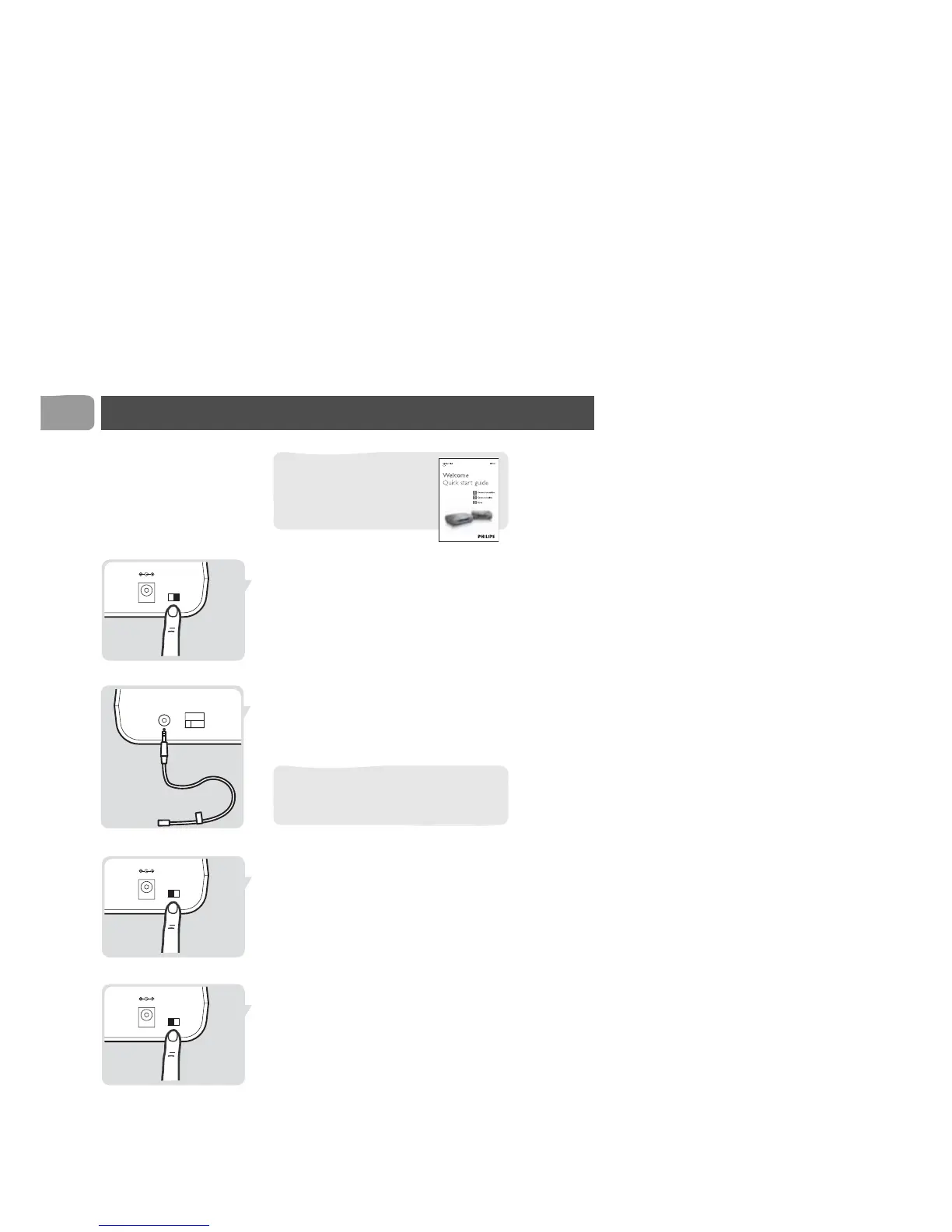
Install the remote control blaster cord
1 Switch off the transmitter (A).
2 Connect the remote control blaster cord (E) to the
IR socket.
3 Position the blaster light in front of the video source.
4 Switch on the transmitter (A).
5 Take the remote control of a video source with you.
6 Go to TV2.
7 Switch on TV2.
8 Switch on the receiver (B).
9 Select the correct SCART input on TV2.
10 Operate the video source with its remote control.
For basic installation, see
the quick start guide that
came with your Wireless
TV Link.
3
Enjoy



 To Next Page