EN
33
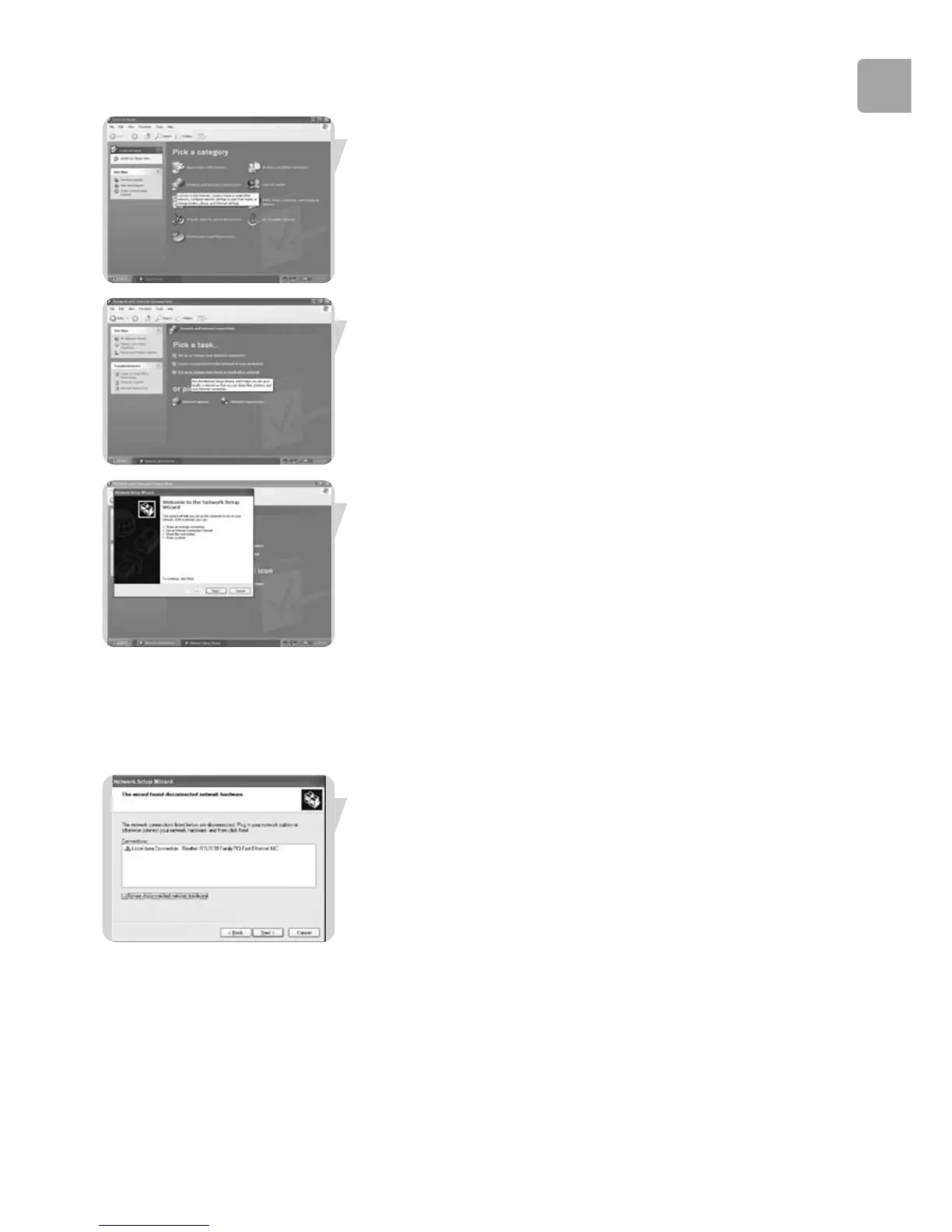
Double-click the ‘Network and Internet connections’ icon.
Click in the list to the left on ‘Setting-up a home network or small business network’.
The Wizard Network Setup appears. Click ‘Next’ to continue.
Wizard Network Settings
1. Please, carefully read the instructions the Wizard gives you, and adapt your
choices to the type of network you want to set-up. Use the Help feature within
the Wizard if you need more information while using the Wizard.
2. In each window, click ‘Next’ to go to the next step.
3. Below, we will describe some of the crucial steps of this Wizard.
Place a check mark to ignore any broken network connections before clicking ‘Next’
to continue.



 To Next Page